Cash on Delivery (COD) rejections alone account for roughly 26% of RTOs in India, compared to under 2% for prepaid orders — and that gap is exactly why so many Shopify merchants go looking for a way to hide, reorder, or rename payment methods at checkout. Whether you're trying to cut COD losses on high-value items, block PayPal for CBD products, restrict Bank Deposit to B2B customers, or keep checkout relevant to each shopper's cart, the fix isn't a checkout.liquid hack anymore — it runs through Shopify's Payment Customization API, and a handful of apps have built genuinely different approaches on top of it.
A note on how this list was put together: we build one of the apps covered here — Vista Checkout Rule & Discount, made by our team at Growthpolis. We've flagged that clearly wherever it appears, and we tested and researched the other apps on their own merits — pulling from their live App Store listings, pricing pages, and public merchant reviews — rather than writing around them.
Why Merchants Hide Payment Methods at Checkout
Payment method hiding isn't just a UX nicety — it's a margin play. A few numbers make the case:
- COD return rates run well above prepaid rates. GoKwik's analysis puts India's average RTO rate at roughly 23–26%, climbing toward 40% in fashion and footwear, versus under 2% for prepaid transactions — and attributes 60–70% of that gap to low buying intent at a no-commitment checkout rather than genuine logistics failures.
- Chargebacks keep getting pricier. The average chargeback rate across industries hit 0.26% of transactions in Q3 2025, up 24% year-over-year, and every $1 lost to fraud now costs merchants roughly $5.13 in total losses once fees and operations are factored in.
- Some payment methods create pure operational overhead — Bank Deposit in regions it can't clear, COD on digital products, or a B2B account that should only ever see invoicing terms.
The common thread: merchants need conditional control over which payment method a customer sees, based on product, cart value, customer tag, or shipping destination — not a blanket “turn this gateway off everywhere” setting.
Why Shopify Restricts Payment Method Hiding (And Why That Trips People Up)
This is the part most roundups skip, and it's the reason a chunk of the one-star reviews on every app in this list exist.
Shopify used to let Plus merchants edit checkout.liquid directly. It was deprecated in 2025 in favor of Checkout Extensibility, and even before the deprecation it was a weak solution — it only hid a payment method visually, so a customer could still reach it through browser dev tools. The replacement is the Payment Customization API, which runs a Shopify Function server-side to actually remove a payment method from the checkout's available list — not just hide it in the UI.
That API comes with real, documented limits that every app in this list inherits, not just the ones built by smaller developers:
- Credit card fields can't be touched on non-Plus stores in the US and Canada. Per Shopify's own help documentation, only Shopify Plus stores can hide, rename, or reorder credit card options directly. On any other plan, in the US or Canada specifically, credit card fields stay standard no matter what rule you set — the app isn't broken, the API itself blocks it. This is the single most common source of “the app didn't work” reviews across this category.
- You can activate a maximum of 25 payment customization functions per store — across every app combined, not per app. If you're running two payment-hiding apps at once, they share that ceiling.
- Wallets (Shop Pay, Apple Pay, Google Pay) can't be renamed, because they display as logos, not text — this is a platform rule, not an app limitation.
- In Shop Pay specifically, payment customization functions don't apply to anything except the native gift card field. If a chunk of your checkout traffic uses Shop Pay, expect your hide/rename/reorder rules to have no visible effect for those buyers.
- Point of Sale doesn't run these functions at all — payment customization is checkout-only.
- Only Shopify Plus stores can hide specific placements (like just the Express Checkout section) — on other plans, a hide rule removes the payment method from checkout entirely rather than from one placement.
Knowing this before you install anything saves you the exact frustration that shows up in review sections below.
Native and Manual Workarounds (Before You Install an App)
If your use case is narrow, you may not need a dedicated app at all:
- Disable a payment provider entirely. For gateways you never want to offer (not conditionally — permanently), Shopify's own Settings > Payments lets you deactivate a provider outright. No app needed, but this isn't conditional — it's all-or-nothing.
- Draft orders. For one-off B2B or invoiced deals where you want to bypass standard checkout payment options entirely, creating a draft order lets you set custom payment terms manually, sidestepping the payment customization layer.
- Checkout Blocks (free, from Shopify). Shopify's own free app lets Plus and non-Plus merchants build simple payment and delivery customizations through a visual editor, with some feature restrictions on non-Plus plans (see the table on Shopify's checkout customization docs). It's worth trying before a paid third-party app if your rule is simple (e.g., one condition, one payment method).
- Custom Shopify Function (developer route). If you have in-house dev resources, Shopify's own tutorial walks through building a payment-hiding function from scratch — useful if your rule logic is too complex for any off-the-shelf app's condition builder.
For anything beyond a single simple rule — multiple conditions, ongoing management without touching code, or non-technical staff needing to adjust rules — a dedicated app is the practical choice. That's what the rest of this guide covers.
How to Hide a Payment Method With an App
- Install a payment customization app built on Shopify Functions without any code or scripts (all apps below qualify).
- Choose a condition — cart total, product tag, customer tag, shipping country, or shipping method.
- Select the payment method to hide, rename, or reorder.
- Save and activate — changes apply at checkout immediately, no theme edits.
Remember the API limits above apply regardless of which app you pick.
1. Vista Checkout Rule & Discount — Our Pick (Built by Growthpolis)
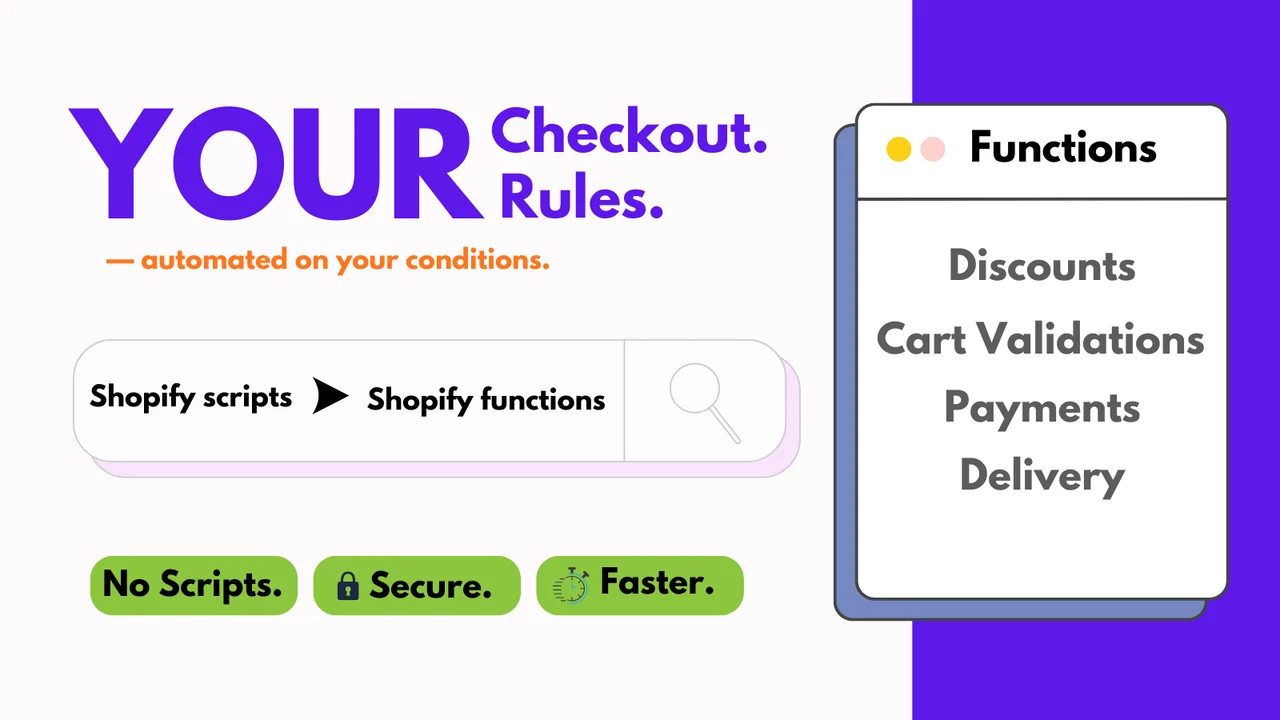
Rating: 4.9 (15 reviews) · Free plan available
Full disclosure again since it matters here: this is our app. We built it to solve a specific gap we kept running into with clients needing payment/shipping customization and discount logic in the same checkout, without stacking two subscription apps.
It hides, sorts, and renames payment and shipping methods via Shopify Functions using conditions like country, city, product tags, language, variant title, subscription plan, order discount, or customer tags, and layers that with cart validation (order limits, minimum quantities, overselling prevention) and automatic discounts (BOGO, Buy X Get Y, tiered pricing) built on real products instead of virtual SKUs.
Where it's genuinely a good fit: stores that would otherwise be paying for a payment-hiding app and a separate discount app — consolidating both cuts one monthly subscription and one more app touching your checkout's Function budget (remember the 25-function cap above).
Where to be honest about trade-offs: it's a newer entrant than HidePay or ETP, with far fewer reviews (15 vs. 100+ for most competitors on this list), so there's less public track record to lean on. If all you need is payment hiding and you don't need the discount features, a single-purpose app may be simpler to configure. It's also subject to the same Shopify Plus / US-Canada credit card restriction as every other app here — that's not a Vista limitation, it's the platform's.
Key features:
- Hide, sort & rename payment and shipping methods dynamically via Shopify Functions
- Block unsupported payment options and hide the PayPal button specifically
- Cart validation, order limits, and minimum order quantity rules
- Automatic discounts (BOGO, tiered pricing, Buy X Get Y) using real products
- Free plan with one rule; paid plans start at $3.99/month
2. HidePay: Hide Payment Methods
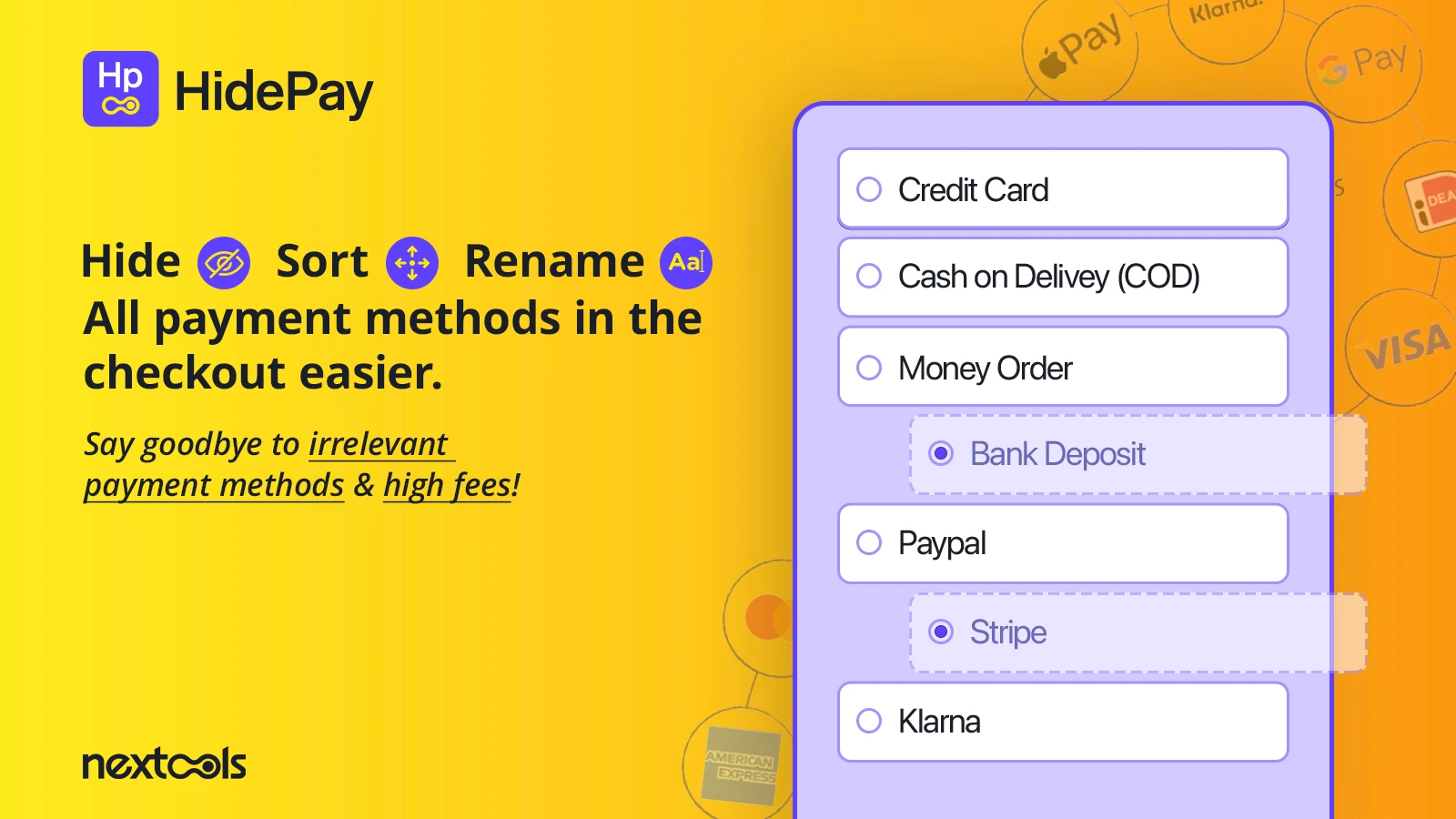
Rating: 4.8 (365 reviews) · Developer: Nextools · Free plan available
HidePay is the most established app in this category by review count, and the breadth of conditions — product, customer, geography, cart total — reflects that maturity. It can hide all Express Checkout buttons, and on Shopify Plus, the PayPal Express button specifically.
Digging into the review distribution rather than just the headline rating: roughly 4% of HidePay's reviews sit at 1–2 stars, and the pattern in that minority is consistent — merchants who installed expecting to hide credit card fields on a non-Plus US or Canada store (the platform restriction covered above), and a smaller number citing setup confusion without live support access. One reviewer specifically noted the app “did not work as advertised” and flagged outdated-feeling documentation — worth checking HidePay's current setup guide directly before assuming a rule isn't firing correctly.
Key features:
- Hide, sort & rename by product, customer, geography, cart, and order conditions
- Country Mapper and multi-condition (AND/OR) logic on higher tiers
- Optional HideShip bundle add-on and payment terms/order review tools
- Plans run $3.99–$7.99/month, with a free plan for development stores
3. PayRules: Hide Payment Methods
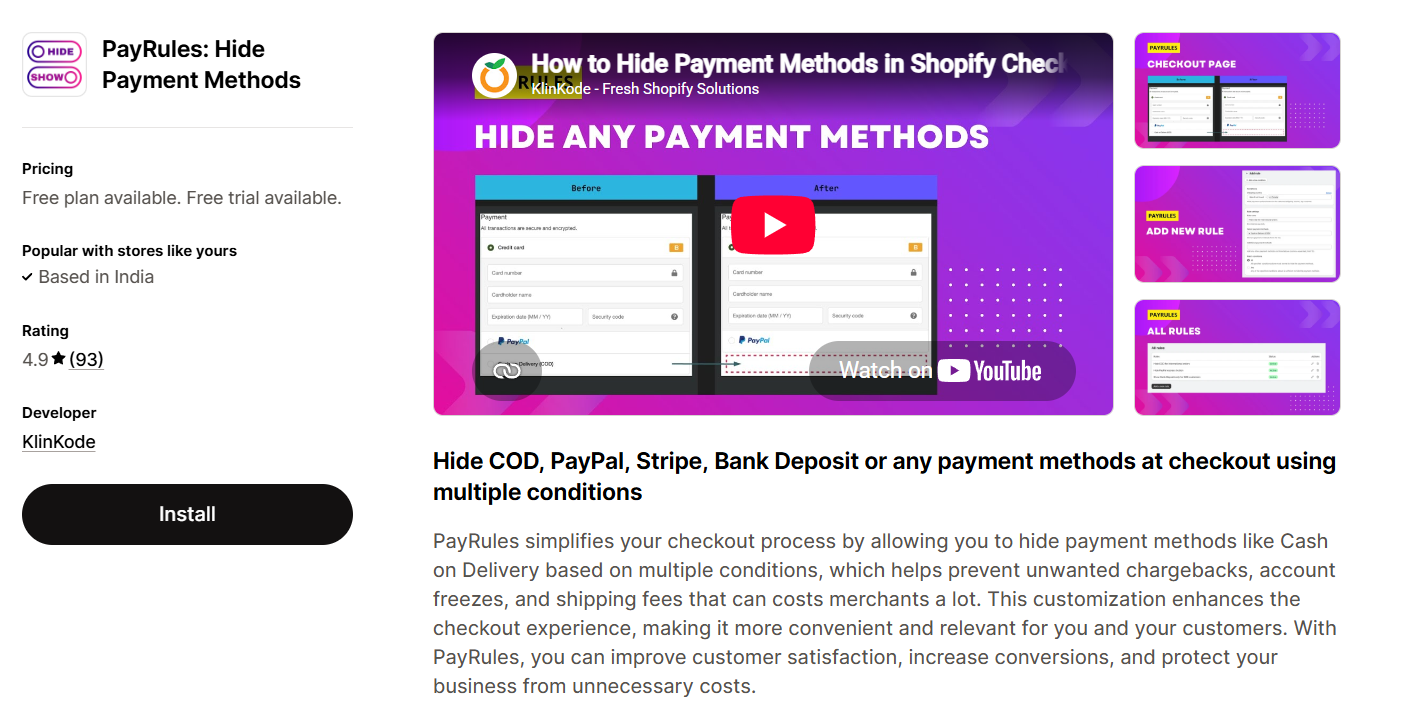
Rating: 4.9 (102 reviews) · Developer: KlinKode · Free plan available
PayRules leans into breadth of conditions — 30+ built-in triggers spanning product, customer, location, shipping, cart amount, and quantity — and its Elite tier is the only one on this list offering OR logic in addition to AND, useful for a rule like “hide COD if country is X or cart total exceeds Y.”
The pricing structure is worth reading closely before you commit: rule counts are capped by tier (5 active rules on Essential, 10 on Professional, 25 on Elite), and since Shopify's own Function ceiling is 25 per store, shared across all apps, a store already running another payment-hiding app alongside PayRules' Elite tier could theoretically hit the platform limit before hitting PayRules' own cap.
Key features:
- 30+ built-in conditions with no-code setup
- AND/OR logic on the Elite tier
- Free tier, then $4.99/month (5 rules) up to $19.99/month (25 rules, OR logic)
- Unlimited orders regardless of plan
4. Kip: Sort Hide Payment Methods
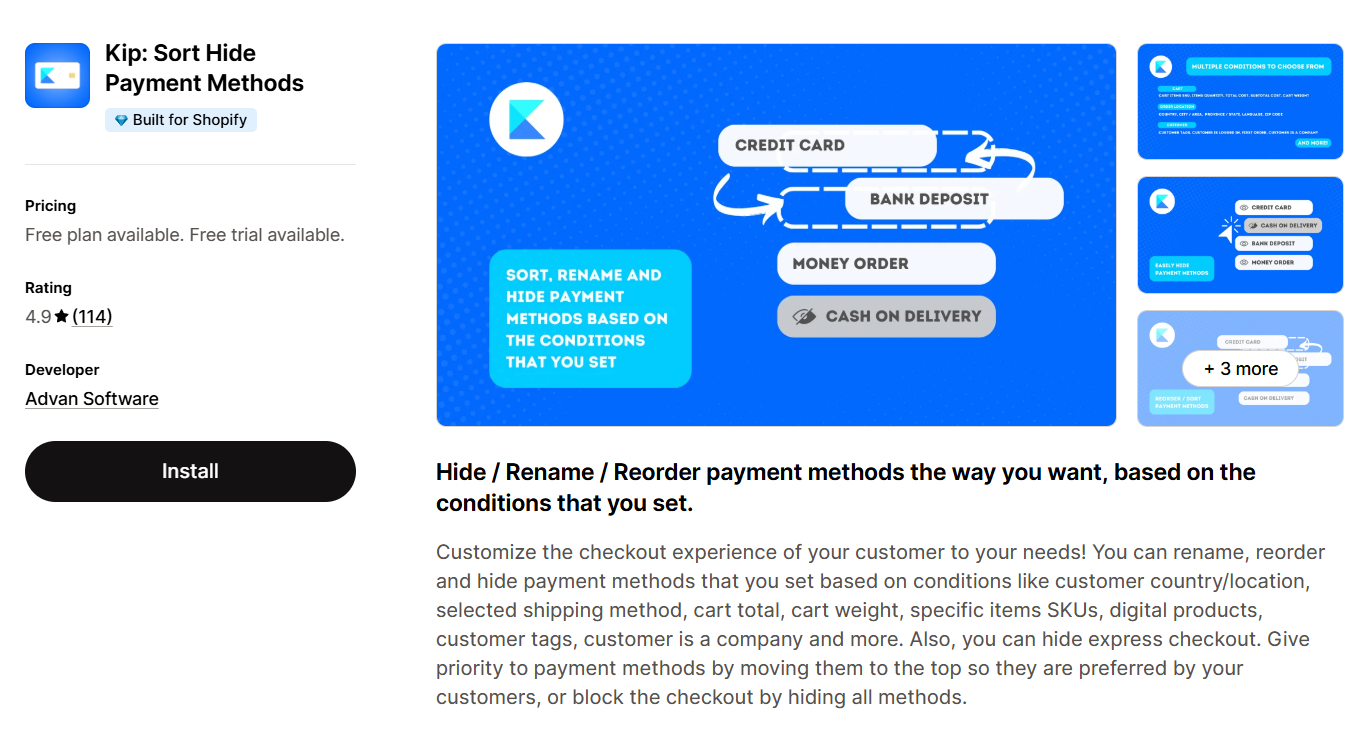
Rating: 4.9 (104 reviews) · Developer: Advan Software · Free plan available
Kip covers the standard hide/rename/reorder set, with a condition list that includes “customer is a company” — a detail that makes it a natural fit for stores running mixed B2B/B2C checkouts on a single storefront, since most competitors don't expose that as a standalone toggle.
One recurring, specific limitation shows up in Kip's own review section rather than generic complaints: hiding express checkout buttons reliably works at the checkout page, but merchants report it doesn't consistently carry through to the cart page — behavior that appears to vary by theme, since express buttons on the cart page are rendered by the theme rather than Shopify's native checkout. If your express-checkout visibility needs to be consistent across cart and checkout, test that specific flow on your own theme before relying on it.
Key features:
- Unlimited rules on paid plans, with a usable free tier
- “Customer is a company” condition for B2B-specific payment rules
- Hides express checkout on the checkout page; cart-page behavior is theme-dependent
- No Shopify Plus requirement
5. Payfy: Hide Payment Rules
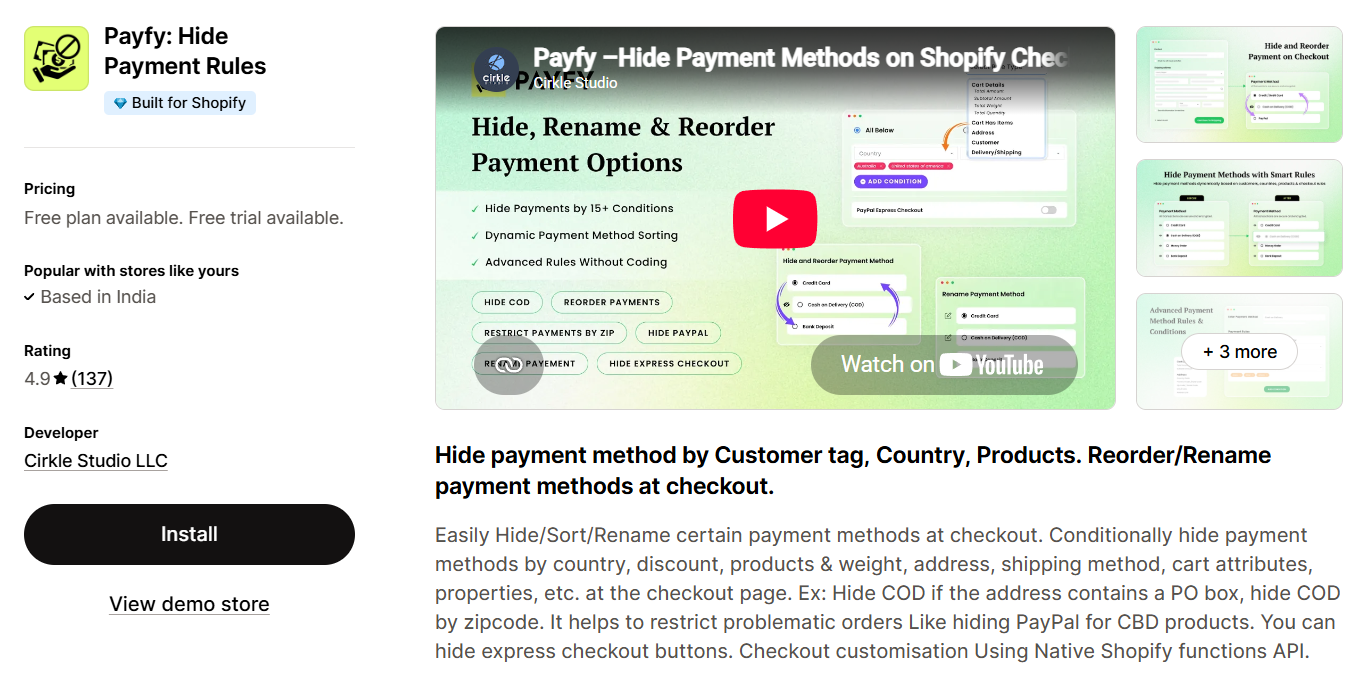
Rating: 4.5–4.9 depending on region (140+ reviews) · Developer: Cirkle Studio · Free plan available
Payfy covers the same conditional set as its peers — cart total, country, zip code, product, address, shipping method, customer tag — with a specific, well-documented use case for PO box detection (hiding COD when a shipping address contains a PO box) and for hiding PayPal on CBD or other regulated product listings.
Payfy's review history contains the clearest documented example of the credit-card restriction described earlier in this guide. A merchant on the Shopify Basic plan reported the app failing to hide credit card payments for high-value orders; the developer's public reply pointed directly to Shopify's own Payment Customization API documentation, confirming that hiding “Shopify Payments” credit card fields on a non-Plus US store isn't something any app — including this one — is able to do. It's a useful real-world confirmation that this limitation sits with the platform, not the app vendor, and it's worth checking your own plan and country against that restriction before assuming any app on this list will hide your credit card option.
Key features:
- Hide/reorder/rename by cart attributes, zip code, and shipping method
- Built-in PO box detection and CBD/regulated-product payment restrictions
- Native Shopify Functions, no Plus required (subject to the credit-card-field limitation above)
6. ETP Sort Hide Payment Methods
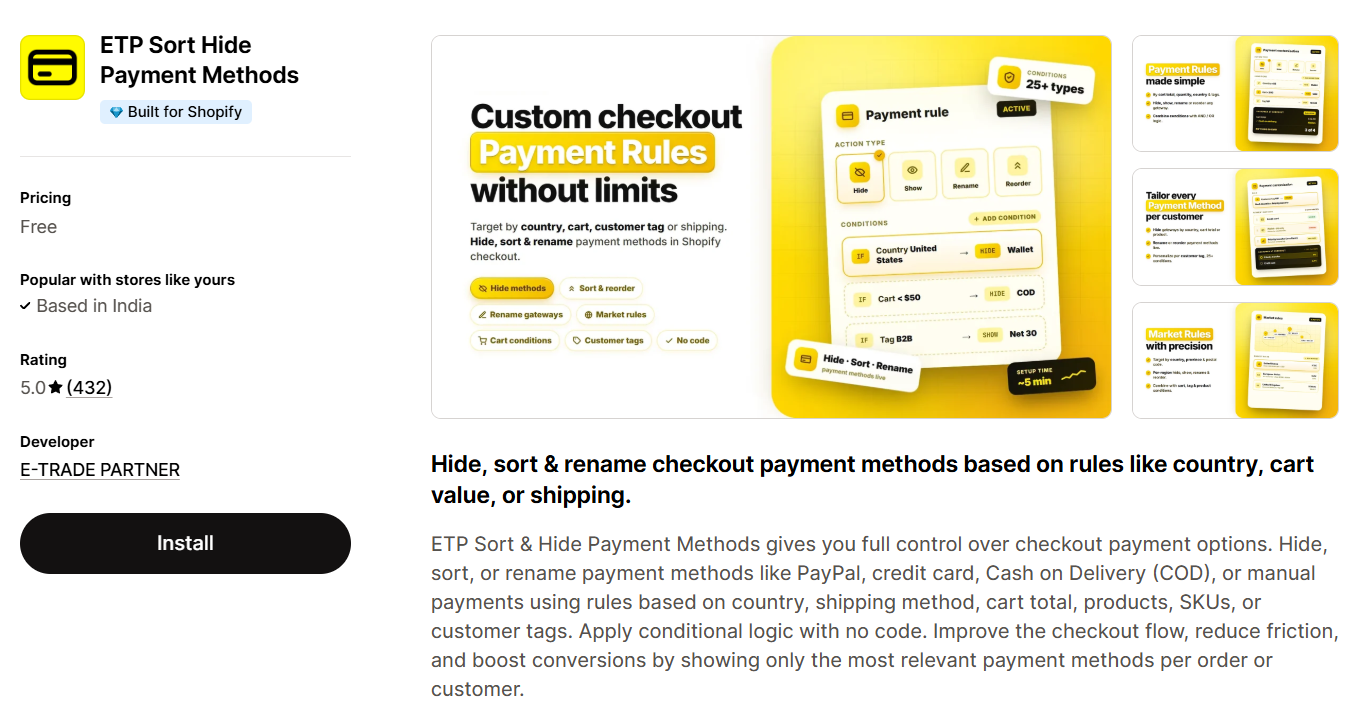
Rating: 5.0 (239 reviews) · Developer: E-TRADE PARTNER · Free plan available
ETP has the highest review volume of the single-purpose apps on this list and covers cart value, shipping method, customer location, product SKUs, and customer tags applied to PayPal, credit cards (within the same Plus/region restrictions as everyone else), COD, and manual payments.
Its narrower scope compared to Vista or HidePay's add-on bundles (HideShip, order review) is itself a data point worth naming honestly: if you want exactly one thing — payment method visibility rules, nothing else — ETP's focus means less UI to learn and fewer settings to misconfigure, at the cost of not bundling shipping-rule or discount functionality if you later need it.
Key features:
- Rules based on cart value, shipping method, location, SKUs, and tags
- Free plan available; high review volume relative to competitors
- Single-purpose scope: payment visibility only, no bundled modules
7. Checkout Blocks — Native Option for Shopify Plus
If you're on Shopify Plus, Checkout Blocks is Shopify's own free app for configuring payment hiding without a third-party subscription — either by writing your own Shopify Function or importing a no-code function (Puco is a commonly used function provider for this, including hiding regional payment options like MONEI's by country). It supports up to 25 active payment customizations across all apps, and Shop Pay's gift-card-only limitation applies here exactly as it does with any other app.
Best for: Shopify Plus merchants who want to avoid a recurring app subscription and are comfortable working with (or importing) a Shopify Function directly.
Comparison: Pricing & Features at a Glance
| App | Rating | Free Plan | Starting Paid Price | Standout Feature | Known Limitation |
|---|---|---|---|---|---|
| Vista Checkout Rule & Discount | 4.9 (15) | Yes | $3.99/mo | Payment rules + automatic discounts in one app | Newer app, smaller review base |
| HidePay | 4.8 (365) | Yes | $3.99/mo | Country Mapper, HideShip bundle | ~4% of reviews cite setup/CC-field confusion |
| PayRules | 4.9 (102) | Yes | $4.99/mo | 30+ conditions, AND/OR logic | Rule caps scale with price tier |
| Kip | 4.9 (104) | Yes | Paid tiers vary | “Customer is a company” condition | Express-checkout hiding on cart page is theme-dependent |
| Payfy | 4.5–4.9 | Yes | Paid tiers vary | Built-in CBD/PO box handling | CC-field restriction confirmed by developer in reviews |
| ETP Sort Hide Payment Methods | 5.0 (239) | Yes | Paid tiers vary | High review volume, single-purpose focus | No bundled discount/shipping modules |
| Checkout Blocks (Plus native) | — | N/A (Plus feature) | Included with Plus | No app subscription needed | Requires Shopify Function knowledge for custom rules |
Every app above, including ours, is subject to the same underlying Shopify Payment Customization API restrictions — the credit-card-field limit on non-Plus US/Canada stores and the 25-function cap chief among them. That's a platform constraint, not a vendor one.
Frequently Asked Questions
Do I need Shopify Plus to hide a payment method?
No, not for most payment methods. Apps built on Shopify Functions work on any Shopify plan for hiding alternative payment methods (COD, Bank Deposit, PayPal, manual payments). The one exception: hiding, renaming, or reordering credit card fields specifically in the US or Canada requires Shopify Plus — that's a platform restriction that applies to every app on this list, not a feature gap in any one of them.
Can I hide Cash on Delivery for specific products only?
Yes. Every app in this list supports product- or product-tag-based conditions, so you can hide COD for specific SKUs, collections, or tagged products while leaving it available everywhere else.
Will hiding a payment method affect existing orders or Shop Pay users?
No effect on past orders — rules only apply going forward. One consistent limitation worth planning around: in Shop Pay, payment customization functions only apply to the native gift card field, so hide/rename/reorder rules generally won't be visible to customers checking out through Shop Pay specifically.
Is it against Shopify's rules to hide payment methods conditionally?
No, this is Shopify's own sanctioned Payment Customization API, built specifically to replace the deprecated checkout.liquid approach, not a workaround.
Why did installing an app not actually hide my credit card option?
This is almost always the Plus/region restriction, not a broken app: on any plan below Shopify Plus, in the US or Canada, credit card fields stay standard regardless of what rule you set. Check your plan and store country against Shopify's own documentation before troubleshooting further — it will save you a support ticket.
Can I combine payment hiding with discount rules in one app?
Some apps focus purely on payment visibility (HidePay, PayRules, Kip, Payfy, ETP). Vista Checkout Rule & Discount (our app) bundles payment/shipping customization with automatic discount rules so you're not running two separate checkout apps, though that's worth weighing against its shorter track record versus more established single-purpose competitors.
Which App Should You Choose?
Start with the platform restriction, not the app list: if your actual goal is hiding credit card fields on a US or Canada store below Shopify Plus, no app on this page — ours included — will do that, because the API blocks it. Confirm what you're actually allowed to customize on your plan first.
From there, if you need payment hiding only, HidePay, PayRules, Kip, Payfy, and ETP are all well-reviewed options built on the same underlying Shopify Functions architecture — the differences are in specific conditions (B2B detection, CBD/PO box handling, AND/OR logic) and how each pricing tier scales rule counts.
If you'd rather not run a second app for discounts, Vista Checkout Rule & Discount consolidates payment/shipping customization with discount automation — worth a look if that overlap matches your setup, though it's fair to weigh its shorter review history against more established single-purpose alternatives above.
Sources: Shopify Dev Docs – Create the Payments Function, Shopify Help Center – Customizing Payment Methods at Checkout, Chargebacks911 – 2026 Chargeback Statistics, Chargeback.io – Average Ecommerce Chargeback Rate, First Resort – E-Commerce Returns & RTO in Indian Fashion 2026, TrackVid – RTO in Ecommerce India
1 thought on “Best Hide Payment Method Shopify Apps”
Comments are closed.