
Disclosure: Growthpolis builds Vista Order Editing, one of the apps compared below. We've noted where it's the better fit and where it isn't, and priced every competitor from its own current Shopify App Store listing.
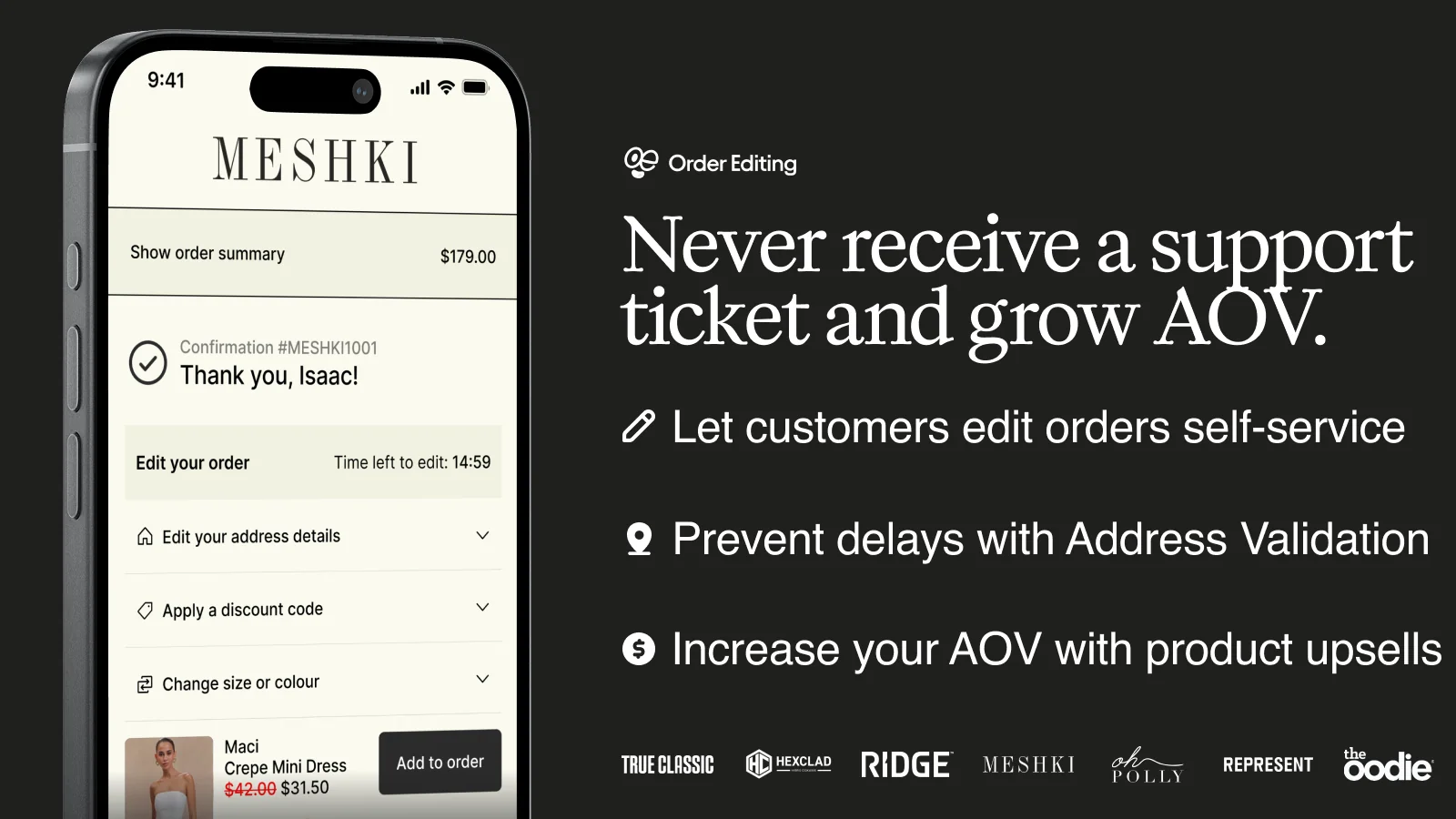
If a customer emails you five minutes after checkout asking to fix a shipping address or swap a size, Shopify's default admin doesn't give them a way to do that themselves; you have to do it for them, order by order. OrderEditing.com solved this well for brands like Aviator Nation and Oh Polly, letting shoppers self-edit orders and take post-purchase upsells before fulfillment.
But its plans are priced by monthly order volume, so the bill climbs as you scale, and it's built around integrations (Klaviyo, Shopify Markets, WMS platforms) that plenty of smaller stores never touch. Below is what actually happens when an order needs to change, why Shopify restricts it the way it does, and how the strongest alternatives — including Vista Order Editing — compare on price and capability.
What Native Shopify Allows vs. What These Apps Unlock
Out of the box, Shopify's Admin lets a staff member open an unfulfilled, paid order and edit it manually: add or remove line items, change quantities, apply a discount, or update the shipping address. If the new total is higher, Shopify generates a “Send Invoice” link the staff member has to email the customer so they can pay the balance; if it's lower, the difference has to be refunded. None of this is customer-facing — there's no button on the order status page a shopper can click themselves.
Order editing apps, including OrderEditing.com and every alternative below, sit on top of that same admin capability and expose a self-service version of it: a portal on the Thank You page, order status page, or confirmation email where the customer makes the change directly, within rules the merchant sets (an edit window, which fields are editable, whether store credit or the original payment method is used for refunds).
Why Shopify Locks Order Edits the Way It Does
Shopify's GraphQL Admin API handles order edits through a three-step session, not a single “update” call: orderEditBegin opens a temporary CalculatedOrder object, individual mutations like orderEditAddVariant or orderEditSetQuantity stage the changes against it, and orderEditCommit applies them to the real order.
Only unfulfilled line items can be touched this way, and if the edit changes the order total, Shopify's own documentation notes the customer may need to pay a balance or receive a refund as part of committing the edit. That staged-session design exists because a paid order isn't just a row of line items; it's tied to a captured or authorized payment, inventory holds, and (once fulfillment starts) a shipping label.
Letting anyone directly overwrite line items on a paid order would risk mismatching what the customer paid for against what ships. This is also why orders created through certain API/channel integrations sometimes throw “The order cannot be edited” even to store staff — a real, documented edge case on Shopify's own developer forums, not just an app-specific bug.
Manual Workarounds If You Don't Want an App
Merchants who don't want to install anything still have three options, all of them staff-only: use Shopify Admin's native “Edit order” screen and manually message the customer for approval before changing anything; cancel the order outright and create a new draft order with the corrected details (which generates a new order number and a fresh payment capture); or, on Shopify Plus, build a custom Shopify Flow workflow that reacts to a tagged support request and auto-applies a predefined change. All three route through a staff member — none give the customer a self-serve way to fix their own order, which is the actual gap every app in this article is built to close.
Why Merchants Look for OrderEditing.com Alternatives Specifically
Order changes are a disproportionate share of ecommerce support volume — ClickPost's own analysis of Shopify support queues found that roughly 30% of tickets are customers asking to change something about an order they already placed. OrderEditing.com addresses that well, but its order-volume pricing model means the cost scales with your sales, not with how many customers actually use the editing feature. Merchants who install it, see a modest edit rate, and then get billed at a higher tier as their store grows are a common reason people go looking for a flatter or cheaper alternative.
How We Evaluated These Alternatives
We checked each app against the same criteria: whether a genuine free plan exists, how much self-service control customers get (address, variant, item, and discount edits — not just cancellations), post-purchase upsell support, fulfillment/3PL integration, Shopify Flow compatibility, and how mature the app's specific order-editing product is (not just the vendor's broader platform).
8 Best OrderEditing.com Alternatives
1. Vista Order Editing — Best for stores that want the core edit actions without volume-based pricing.

Customers can change shipping address with auto recalculation of taxes, swap variants, add or remove items, apply discounts, and cancel — all before fulfillment locks the order. Free for up to 30 unique edits/month, $30/month (Pro) for 500 edits plus store-credit refunds, $100/month (Premium) for 1000+ edits.
It integrates with ShipStation today; deeper 3PL/WMS and upsell features are still on the roadmap, which is the honest trade-off against more established players below. More importantly, there are no additional charges per order edit.
It has advanced features like setting editing rules by time, delivery method & order tags. The app also allows you to limit which products a customer can edit or add based on product tags or collections.
2. Revize — Best free-to-start option.
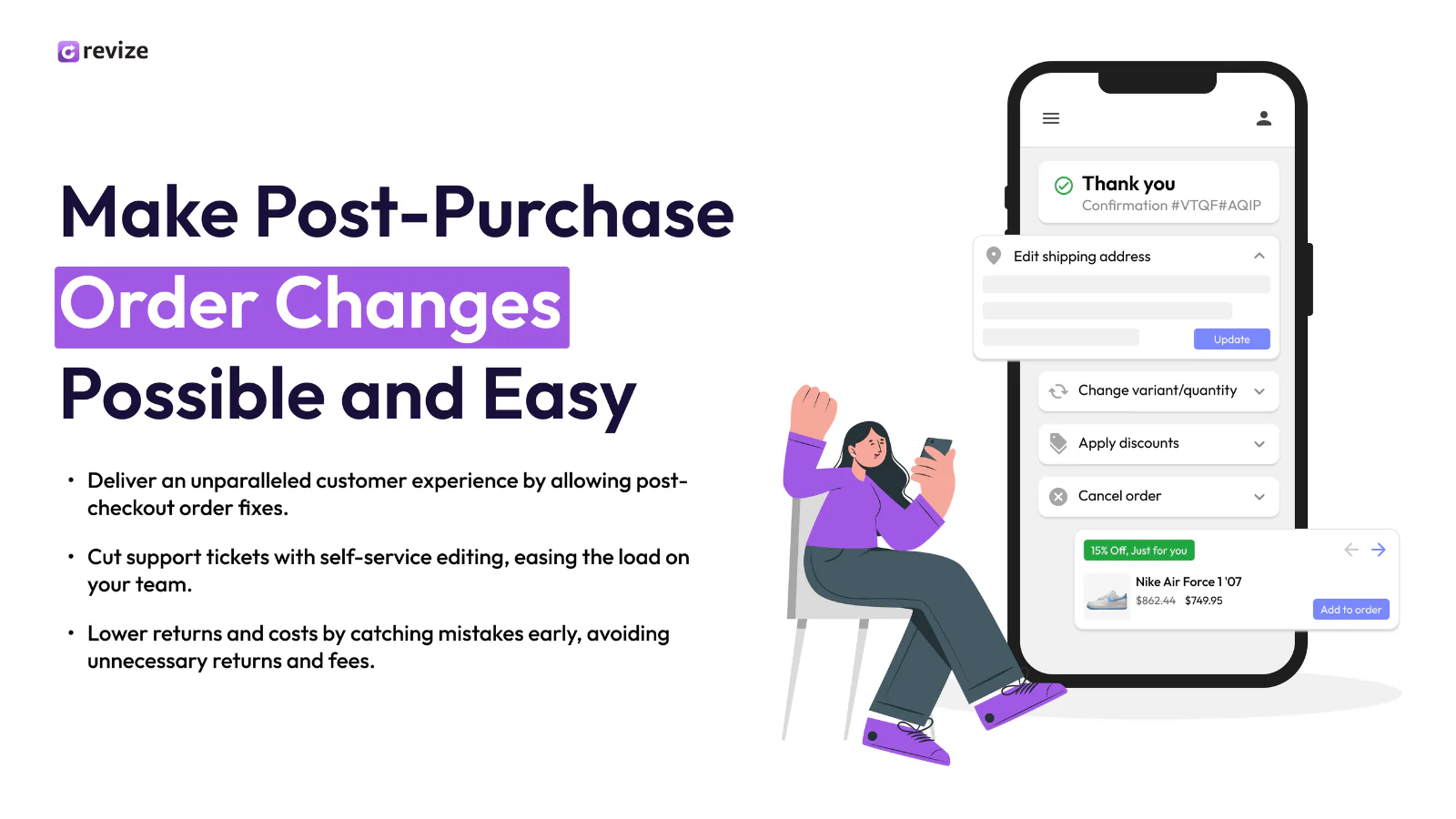
A real free plan (20 edits/month), $49/month for unlimited edits with Shopify Markets support, $149/month for AI-drafted upsells and automatic store-credit refunds. It carries the Built for Shopify badge and connects with subscription apps like Recharge. Its main limitation: it launched in late 2024, so it hasn't had years to build out the integration breadth OrderEditing.com has.
3. Account Editor (AE) — Best for address-heavy stores.
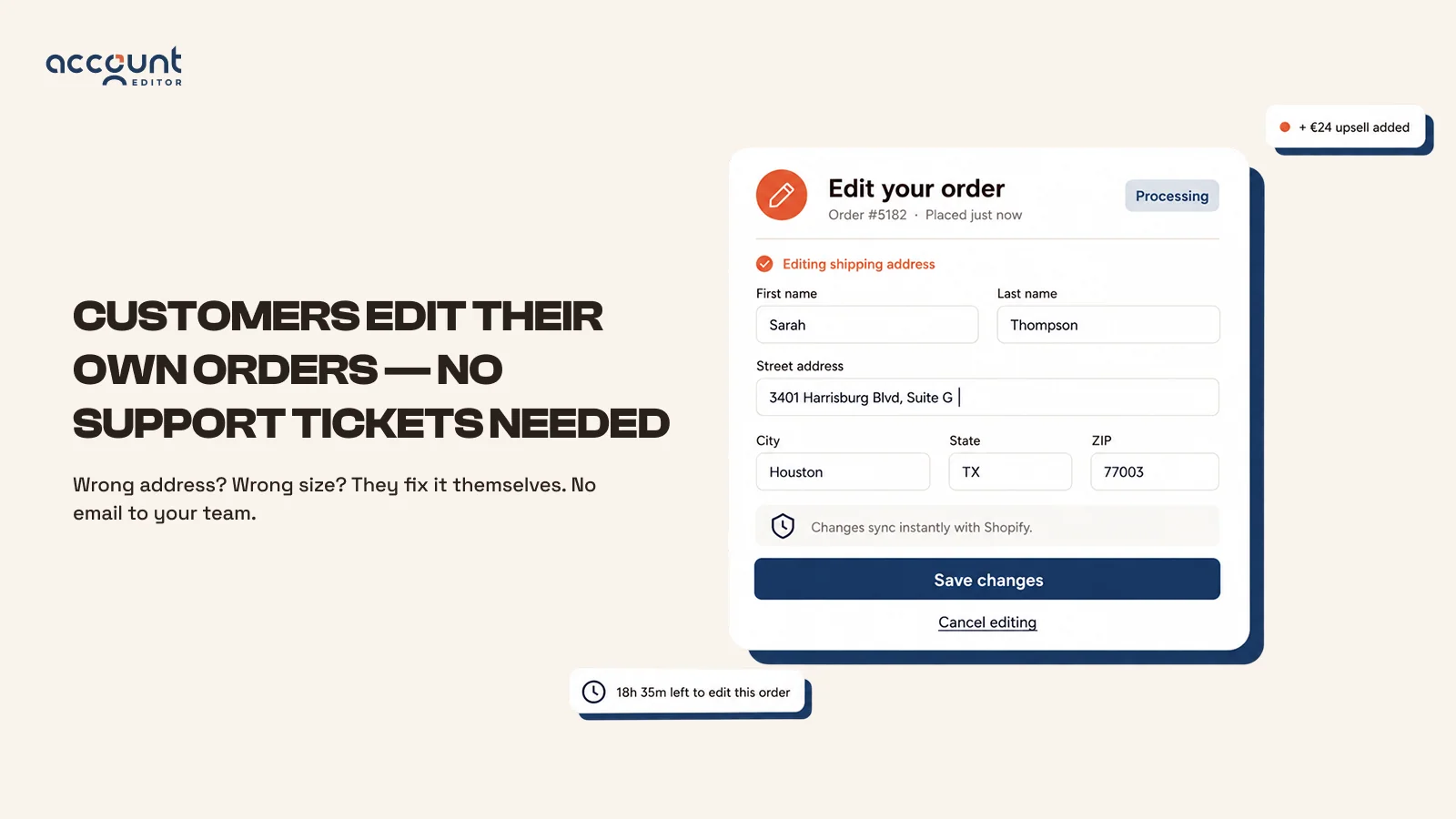
AE pairs Google Maps-powered address validation with retention rules for cancellations, B2B draft orders, and 3PL integration. There's no free plan — pricing starts at $39/month regardless of order volume, which is worth weighing if you're a low-volume store that just wants to test self-serve editing before committing.
4. Cleverific — Best for wholesale and complex draft orders.
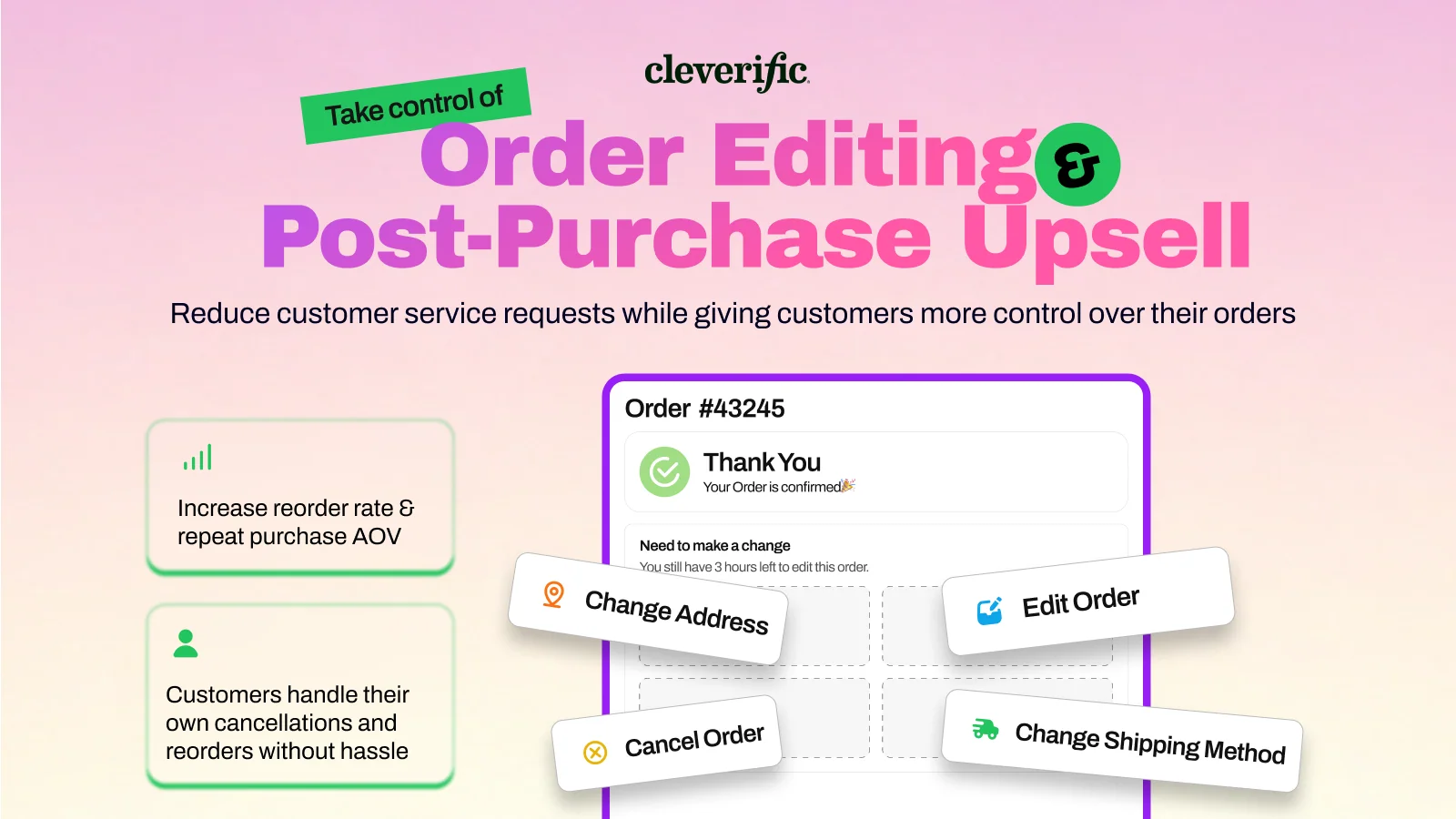
Live on Shopify since 2014, it's built for backend-heavy workflows — taxes, custom line items, wholesale/preorder handling, Flow automation — plus AI-built upsell funnels billed at $1 per conversion. It has no free plan either, and its refund behavior on edited orders is configured through a setting merchants should check during setup rather than assume; it isn't always obvious which refund method applies by default until you look.
5. ClickPost (CP: Order Editing & Upsell) — Best for stores already running a 3PL or WMS.
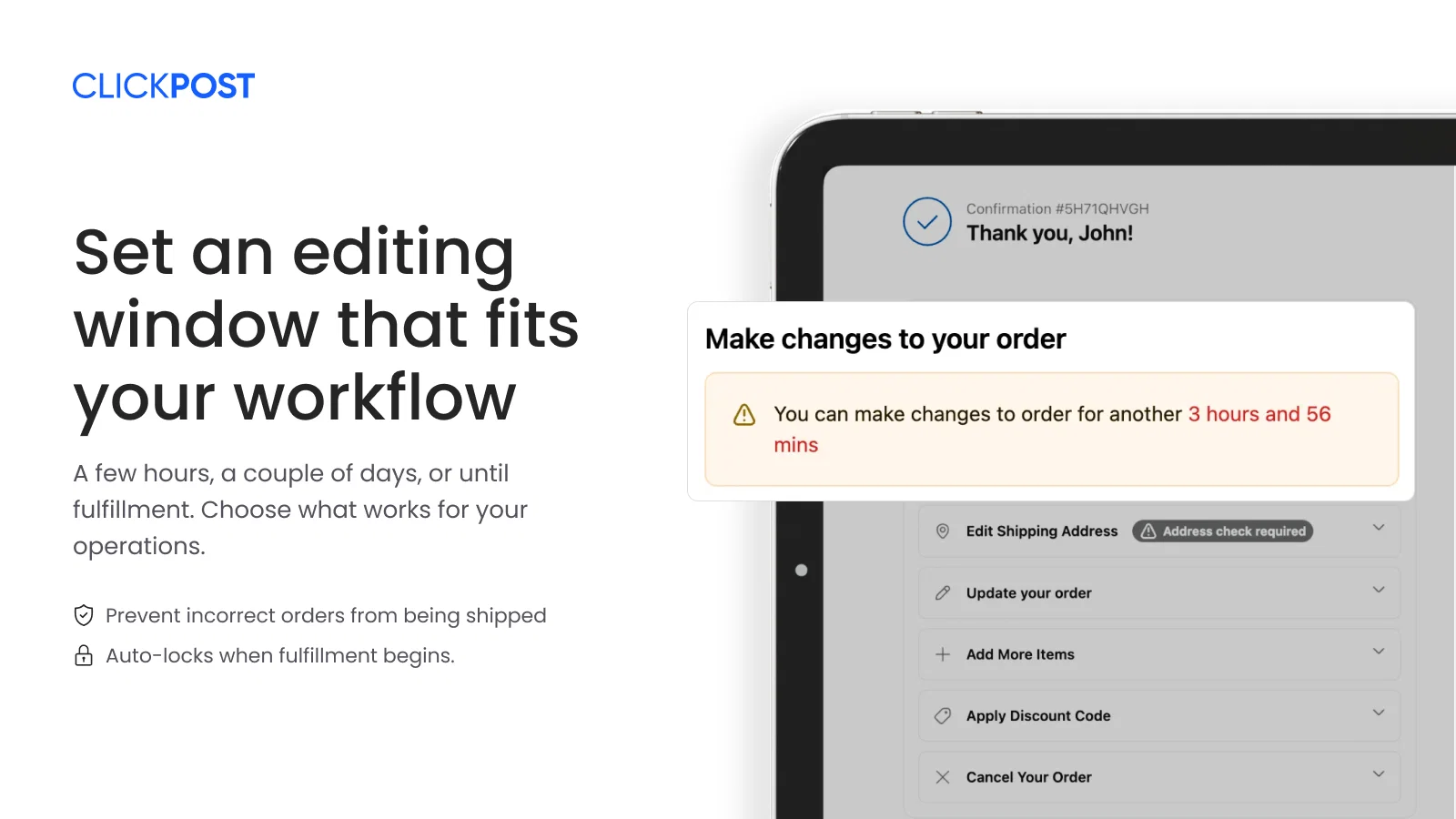
Free to install, 100 free edits/upsells a month, then $1 per additional edit. Edits sync directly to warehouse and fulfillment partners. Worth noting: this specific order-editing product launched in January 2025, so despite ClickPost's long track record in logistics, the editing app itself has a shorter history than Cleverific or OrderEditing.com.
6. Recheck Order Editing + Upsell — Best lightweight edit-and-upsell combo.
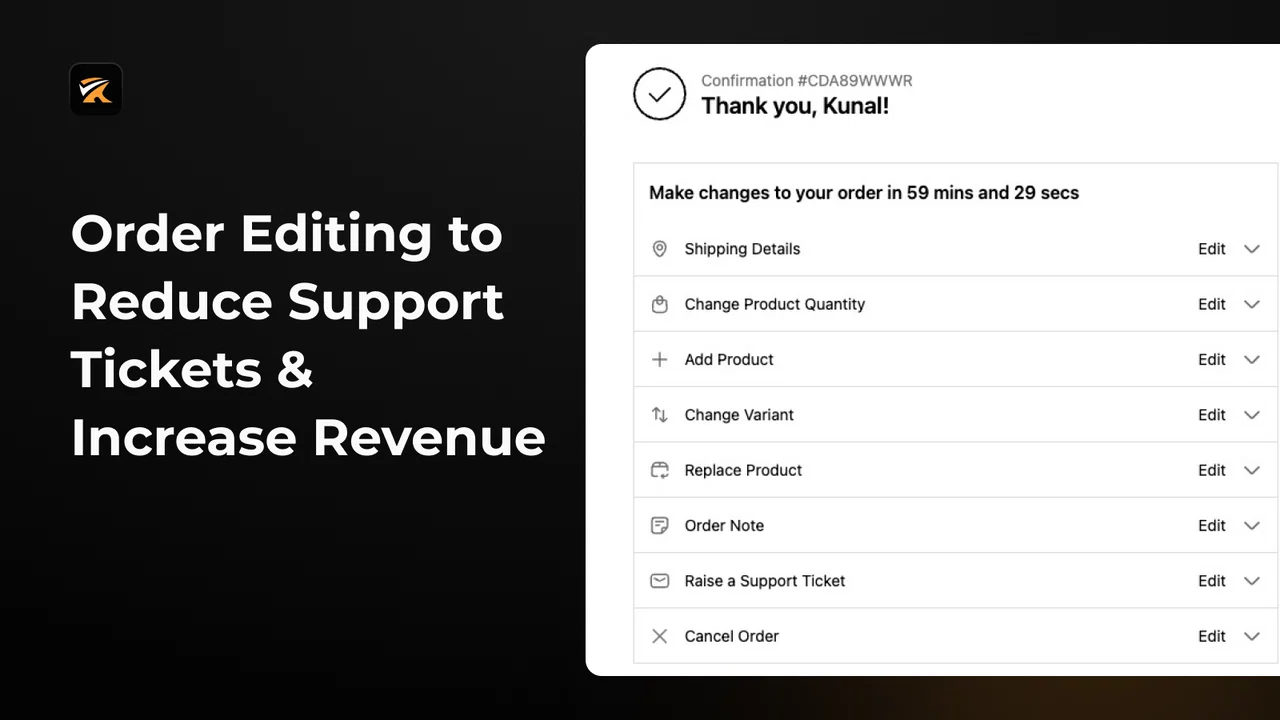
Free for 20 edits/month, then $29/month. Customers edit address, variant, and shipping method from the Thank You and Order Status pages, with Flow support for more advanced automation. The free tier's 20-edit cap is tight — a store doing more than a handful of edits a day will hit it within the first week of a month.
7. Orderify — Best budget pick for cancel-and-reorder.
From $4.99/month. Rather than editing an order in place, Orderify cancels the original order and reloads its items into a fresh cart for the customer to modify. That mechanism matters operationally: canceling and recreating generates a new order number and a new payment capture rather than adjusting the original transaction, so stores that rely on preserving original order IDs for accounting or that are sensitive to processing-fee overhead on refund-and-recharge cycles should test it on a development store first.
8. Edit Orders (Editify) — Best for backdating and financial record fixes.
From $19/month. It goes beyond what Shopify natively allows — backdating orders, editing shipping costs and billing addresses, generating invoices — with a toggleable customer-facing portal. Its App Store rating (4.1) sits noticeably below most of the category, which is worth checking against your own priorities before committing if editing reliability at scale matters more than the backdating feature.
Vista Order Editing vs. OrderEditing.com: Price for Price
| Vista Order Editing | OrderEditing.com | |
|---|---|---|
| Entry price | Free (30 edits/mo) | From ~$39–$99/mo, tiered by order volume |
| Unlimited edits | $100/mo (Premium) | Requires top volume tier (up to $599/mo) |
| Core self-service edits | Address, variant, item, discount, cancel | Address, variant, item, discount, cancel |
| Store credit refunds | Yes (Free, Pro & Premium) | Yes |
| Post-purchase upsells | Roadmap | Yes (One Click Upsell, checkout, email) |
| Enterprise integrations | ShipStation (more coming) | PeopleVox WMS, Celigo, Klaviyo, Shopify Markets |
Vista genuinely doesn't match OrderEditing.com's integration depth for a Shopify Plus brand running multi-currency upsells across a dozen connected platforms — for that specific use case, OrderEditing.com's higher price is buying real capability, not just brand. But that's not most stores. If what you need is reliable self-service editing on the core actions — address, variant, item, discount, cancel — without paying fees that scale with order volume, Vista covers the same core edit actions at a fraction of the entry price, and reaches unlimited edits for less than OrderEditing.com's starting tier.
How to Choose the Right App for Your Store
- Small store, tight budget, core edits only: Vista Order Editing, Revize, or Recheck's free tiers.
- Wholesale, B2B, or complex draft orders: Cleverific.
- Already running a 3PL/WMS: ClickPost or Account Editor.
- Just want cancel-and-reorder simplicity, and don't need original order IDs preserved: Orderify.
- Need to backdate orders or fix billing records: Editify.
Frequently Asked Questions
Can I modify a Shopify order that's already been paid for?
Yes, as long as it's unfulfilled — Shopify's Admin API supports editing paid, unfulfilled orders through the orderEditBegin → orderEditCommit workflow, and order editing apps extend that same capability to the customer directly, within whatever time window the merchant sets.
Will editing a Shopify order affect inventory levels automatically?
In most of these apps, yes — adding or swapping items adjusts inventory holds in real time, and cancellations typically trigger auto-restock, since they're built on the same commit step Shopify uses natively.
Can I apply discounts or adjust prices when editing an order?
Yes, on both Shopify's native edit screen and in every app covered here, though the specific mutation (orderEditAddLineItemDiscount and similar) only applies to unfulfilled line items — once part of an order ships, that portion is locked.
Does a Shopify order editing app integrate with fulfillment, shipping, and returns apps?
Most do, but coverage varies by vendor: Vista Order Editing works with ShipStation, ClickPost, and Account Editor syncs directly with 3PL/WMS platforms, and Cleverific connects through Shopify Flow. Check an app's specific integration list against your stack before installing rather than assuming compatibility.
Conclusion
OrderEditing.com earns its reputation, but its pricing and integration depth are built for stores that need the full stack. If your store just needs customers to fix an address, swap a size, or cancel before shipping, the core actions Shopify's own API supports, Vista Order Editing gets you there for free, with paid plans starting at $30/month instead of OrderEditing.com's volume-based tiers. Install Vista Order Editing from the Shopify App Store and see how much it takes off your support queue before deciding whether you need more.
Sources
- Vista Order Editing — Shopify App Store
- OrderEditing.com — Shopify App Store
- Account Editor (AE) — Shopify App Store
- Cleverific — Shopify App Store
- ClickPost: CP Order Editing & Upsell — Shopify App Store
- Recheck Order Editing + Upsell — Shopify App Store
- Orderify — Shopify App Store
- Editify Order Editing & Upsell — Shopify App Store
- Shopify.dev: Edit existing orders (orderEditBegin/orderEditCommit)
- ClickPost: “30% of support tickets are order changes”
1 thought on “Best OrderEditing.com Alternatives”
Comments are closed.