
Shopify's native order editor lets store staff add items, remove unfulfilled products, adjust quantities, and apply discounts straight from the admin. What it doesn't do is let your customers fix their own mistakes. If a shopper mistypes their street address or orders the wrong size, their only option is to email support and hope someone catches it before the warehouse ships the box.
That gap is exactly what order editing apps exist to close. This guide covers why Shopify locks orders the way it does, what you can fix yourself with no app at all, the top apps for self-service order editing in 2026 — including real limitations pulled from their own App Store review histories, not just their marketing pages — and the questions merchants ask most often about editing orders on Shopify.
A note on how this guide was put together: Growthpolis, the agency writing this, builds Vista Order Editing, one of the apps covered below. We're upfront about that rather than hiding it. The technical details on Shopify's native order editing come straight from Shopify's own developer and merchant documentation, linked throughout. The competitor details — pricing, review counts, star-rating breakdowns, and the specific complaints quoted below — come from each app's public Shopify App Store listing and its own review page, checked directly rather than taken from other roundup articles.
Why Shopify Locks Orders After Checkout
Shopify doesn't let customers touch a placed order for a straightforward reason: an order isn't just a database row; it's a paid, tax-calculated, inventory-committed transaction, and letting anyone edit it freely would make refunds, fraud prevention, and warehouse accuracy impossible to guarantee. So Shopify built order editing as a deliberate, staged process rather than a simple “update” button.
Under the hood, Shopify's GraphQL Admin API handles order edits as a three-step transaction. An app first calls the orderEditBegin mutation, which creates a temporary CalculatedOrder object — a staging area that tracks proposed changes without touching the live order. From there, individual mutations like orderEditAddVariant, orderEditSetQuantity, or orderEditAddLineItemDiscount build up the edit. Nothing is final until an orderEditCommit call locks the changes in, at which point Shopify can trigger a customer invoice or refund automatically. Any app doing this needs the write_order_edits access scope, and by default can only touch orders placed in the last 60 days (older orders require the broader read_all_orders scope).
That staged design is also why editing has hard limits that no app, including ours, can override:
- You can't edit fulfilled line items. Once an item has shipped, its quantity and existence in the order are locked — you can refund it, but not un-ship it.
- You can't edit orders placed before January 1, 2019, or orders that have been archived.
- Orders paid in a foreign currency have restricted editing unless the store has upgraded to Shopify's newer checkout extensibility framework.
- Subscription orders have their own rules — you can't change line item quantity on a prepaid subscription with multiple scheduled fulfillments, and editing an order never modifies the underlying subscription contract; that requires a separate update.
Every order editing app on the market, including the ones reviewed below, works within these same constraints. None of them “unlock” anything Shopify doesn't already allow through this API — what they add is a customer-facing interface on top of an admin-only capability, plus the guardrails (time windows, approval rules, fulfillment-safe syncing) that make it safe to hand that power to a shopper instead of a staff member.
What You Can Do Without Installing Any App
Before reaching for a paid app, it's worth knowing what's possible with Shopify alone, because for a low-volume store the native tools may be enough.
Editing from the admin (staff-only). Go to Orders, open the order, and click Edit. You can add products or custom line items, remove or reduce the quantity of unfulfilled items, apply or remove a manual discount, and add a custom shipping line. If the new total is higher, Shopify lets you email the customer an invoice with a checkout link; if it's lower, you'll need to issue a refund yourself — the edit doesn't refund automatically. Note that shipping rates are not recalculated automatically when you edit an order, so a heavier or bulkier replacement item can mean you're under-charging for shipping unless you adjust it manually.
Cancel and recreate. For fulfilled or otherwise locked orders that the editor won't touch, the fallback is cancelling the order (refunding as needed) and creating a new one, or using a draft order to rebuild it with the corrected details and send a fresh invoice. This is manual and slower, but it works on orders the standard editor can't touch, including ones affected by the fulfillment and currency restrictions above.
Shopify Flow. If you're on a plan with Flow access, you can build simple automations — for example, tagging an order for manual review when a shipping address looks incomplete — without any third-party app. Flow doesn't give customers a self-service interface on its own, but several of the apps below plug directly into it.
The trade-off with all three of these is the same: someone on your team still has to do the work. None of them let the customer fix their own mistake without contacting customer service, which is the actual problem self-service order editing apps solve.
Vista Order Editing

Vista Order Editing turns your thank-you page into a self-service hub where customers can fix their own order before it ships. We built it because, as an agency running our own Shopify apps, we kept seeing the same support-ticket pattern — typo'd addresses and wrong-size orders — on stores that were paying $39–$99/month minimum for that capability elsewhere.
What it covers:
- Address fixes — customers correct shipping typos and contact details themselves, and the app automatically recalculates taxes
- Product and variant swaps — a customer who ordered the wrong size or color can swap it instantly instead of cancelling
- Cancellations as store credit — protects revenue instead of losing it to a full refund
- Merchant-controlled edit windows — you decide how long editing stays open after purchase
- Post-purchase discounts — apply a code after the sale to save an order that might otherwise be cancelled
- Change Shipping Method – let customers upgrade to a faster shipping method.
- Change Products: Limit which products a customer can edit or add based on product tags or collections.
- Advanced Editing Rules: Set editing rules by time, delivery method & order tags.
- 3PL/OMS Integration: Integrates with ShipStation so that orders are in sync everywhere.
The free plan includes 30 order edits a month, the Pro plan is $30/month (or $3300/year) for 500 edits, and the Premium plan is $100 ($1100/year) for 1000+ edits plus the full feature set — meaningfully lower than every alternative below. That price gap is deliberate: Vista doesn't try to match OrderEditing.com's Klaviyo integrations, Cleverific's staff-side Advanced Mode, or Account Editor's restocking-fee retention rules, so if your store genuinely needs those, one of those platforms will serve you better.
Vista fits better with a growing store that wants the core editing workflow without paying for enterprise features it won't use. But it does have a policy engine to set rules for which orders can be edited by customers. As a newer app, it also has a shorter review history than every established competitor here, which is worth weighing if social proof matters to your decision.
How the Established Competitors Actually Compare
Feature lists across this category look nearly identical — address edits, variant swaps, cancellations, upsells. What actually separates these apps shows up in their pricing structure, their review histories, and the specific trade-offs merchants report once they're using the app daily, not on the marketing page.
| App | Rating (reviews) | Starting price | Free plan | Where it genuinely differs |
|---|---|---|---|---|
| OrderEditing.com | 5.0 (300+) | $39/mo, rising to $99–$599 with order volume | No | Largest review base and the deepest brand roster, but cost scales with order count, not features |
| Cleverific | 4.6 (235) | $49/mo | No | Oldest app in the category (2014); strongest staff-side tooling; more mixed reviews than any other app here |
| Account Editor (AE) | 5.0 (~250) | $39/mo | No | Restocking-fee retention rules on cancellations that no other app in this list offers |
| ClickPost (CP) | 5.0 (~35) | Free to install, $1/edit after 20 free, or $49/mo | Yes | Newest app in the category — launched January 2025, so the shortest track record |
| Orderify | 4.8 (~70–200 across sources) | $4.99/mo | No | Cheapest entry price, but doesn't edit orders in place — it cancels and recreates them |
| Revize | 5.0 (~100) | Free / $49/mo unlimited | Yes | Only app here besides ClickPost carrying Shopify's Built for Shopify badge, with the widest language support |
OrderEditing.com: Self-Serve Editing with One-Click Upsell
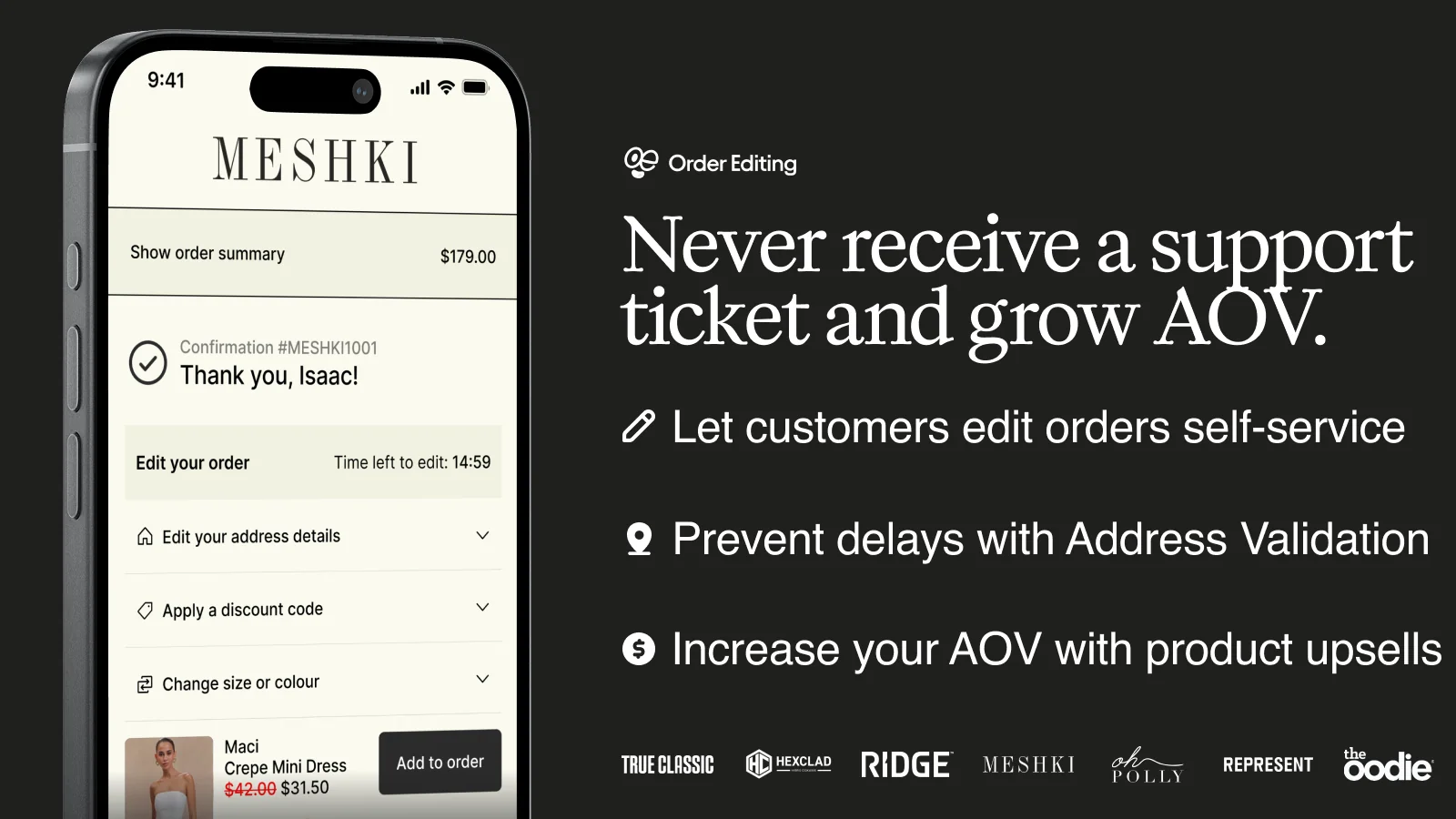
OrderEditing.com is the most established player in this category by review count, used by brands including Aviator Nation and Oh Polly. Beyond letting customers edit address, product, and shipping method, or cancel outright, it layers in one-click post-purchase upsells and free address validation, and connects to Klaviyo for upsell emails and to 100+ fulfillment, shipping, and subscription apps.
In 2026, they rewrote the entire app without affecting the live stores, which created anxiety among many stores once the publically announced it.
The real trade-off is the pricing model: it's tiered by monthly order volume rather than a flat fee, starting around $39/month for stores doing under 1,000 orders and climbing to $99–$599/month as volume grows, with no free plan at any tier. That means a store that outgrows its order-volume bracket sees its bill jump even if it isn't using any more of the app's features — worth modeling out before committing if your order count is growing quickly.
Cleverific: Deep Staff-Side Tooling But No Free Plan
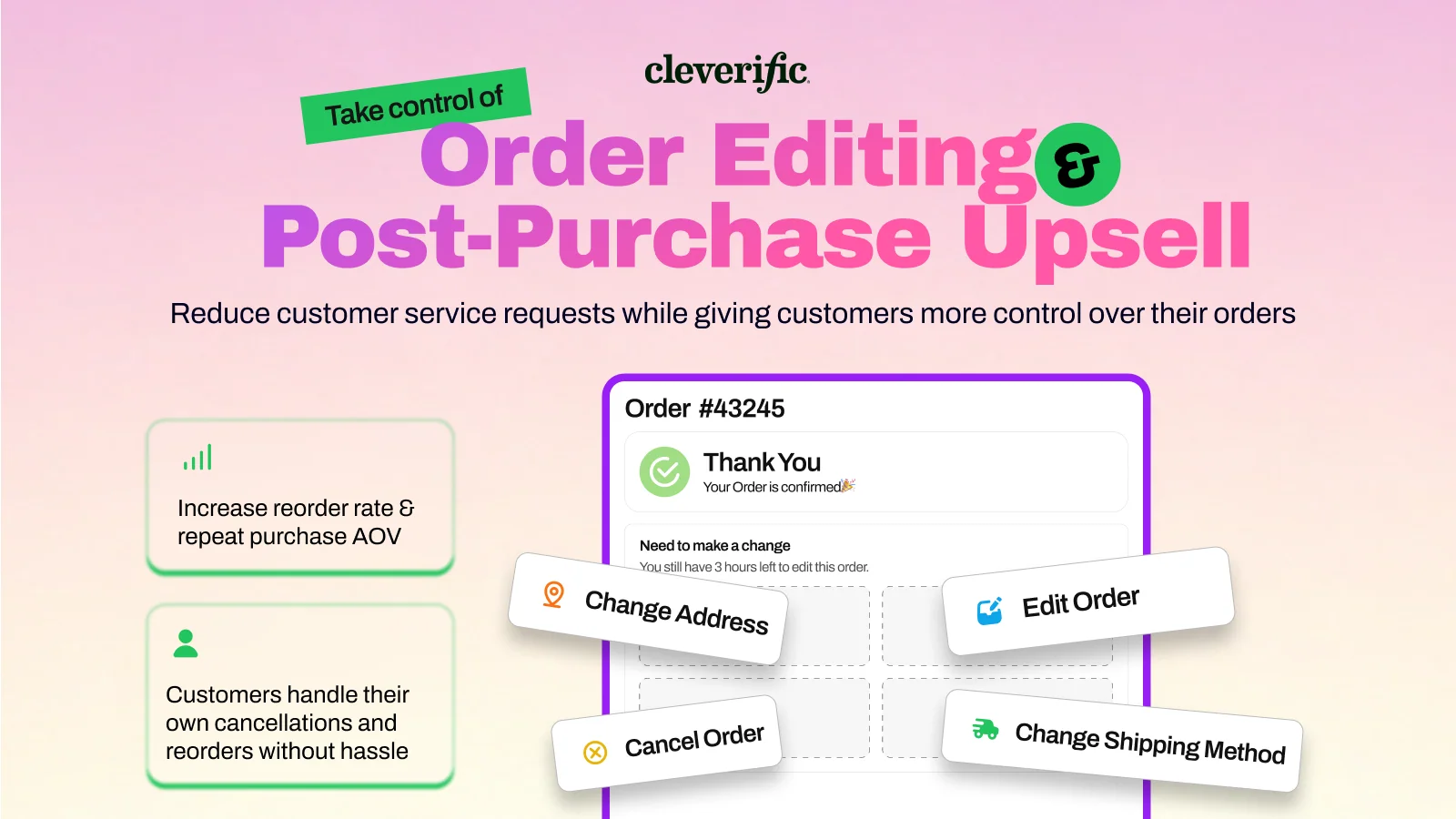
Cleverific is the oldest app in this category — it's been on the Shopify App Store since 2014 — and it shows in its staff-side depth. Its Advanced Mode lets your team edit fields Shopify's native editor locks down entirely, including billing address and post-purchase custom line items, and its Shopify Flow integration can add free gifts, split bundles into components, and pause 3PL/WMS syncing during the edit window.
It's also the one app in this list with a review profile worth reading closely before you commit: Cleverific sits at 4.6 stars across 235 reviews on the Shopify App Store, and its rating breakdown (85% five-star, but a combined 10% at one or two stars) is more mixed than the near-uniform 5.0 ratings the other apps in this guide carry.
There are two specific complaints that merchants may not like about it.
Cleverific has a setting that refunds edited orders by default without clearly surfacing that at setup, and another noted that edited orders complicate store reporting enough that they recommend building a separate reporting database if you're a sizable business.
Shopify itself has also flagged that Cleverific's Advanced Mode isn't recommended for orders on Managed Markets. None of these are dealbreakers; support response on the flagged issues was fast in the reviews that mention them — but they're the kind of setup gotchas worth testing on a development store before going live, especially if you plan to lean on Advanced Mode for complex wholesale or custom-order editing. Plans start at $49/month for 100 order edits and 200 automations, with no free tier.
ClickPost (CP: Order Editing & Upsell): The Newest Entrant
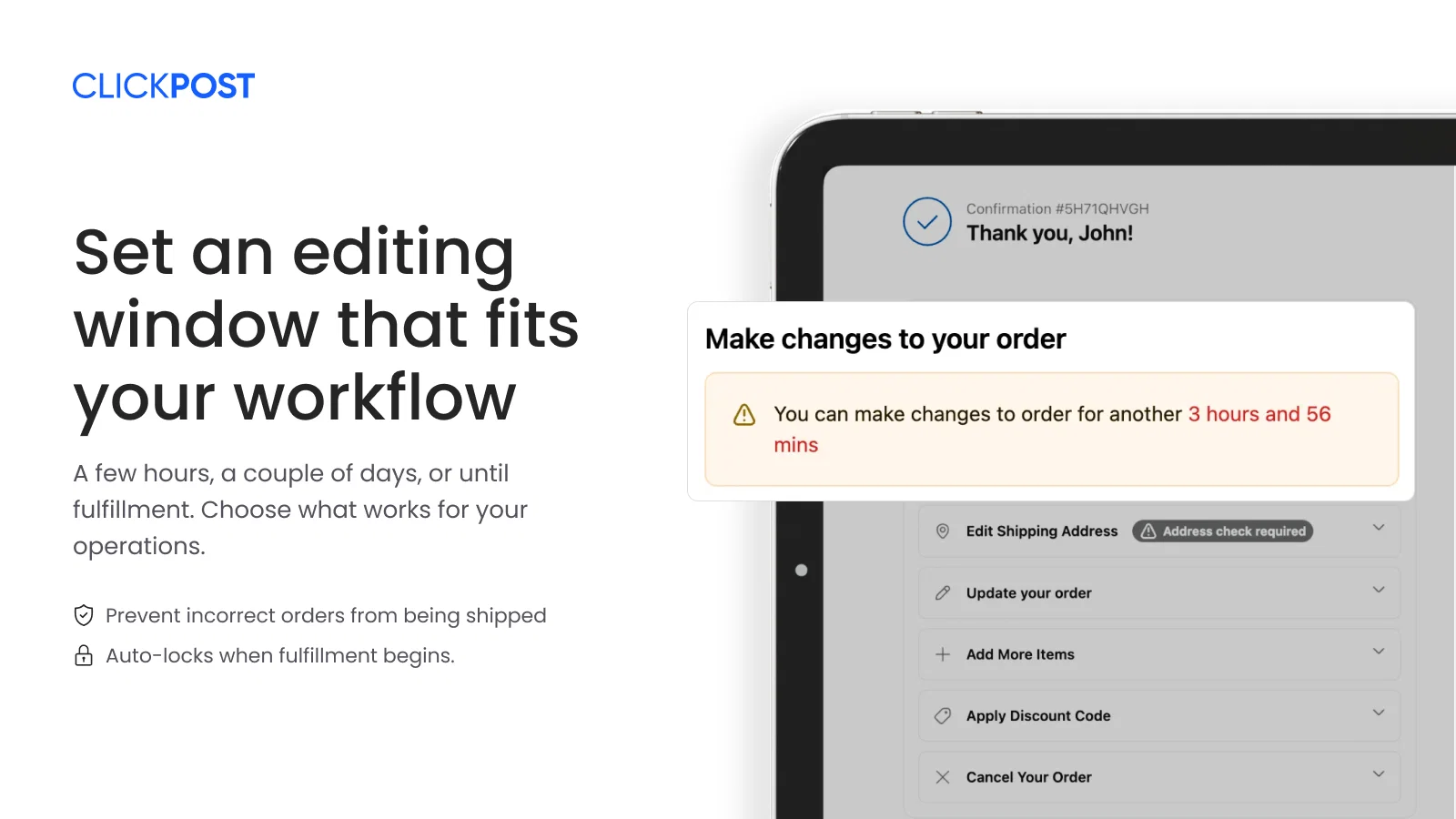
CP, built by ClickPost, launched on the Shopify App Store on January 22, 2025, which makes it the newest app in this comparison by a wide margin — its review count (around 35 at last check) reflects that short track record rather than a quality gap.
What it offers is straightforward: Google Maps–powered address validation, variant and quantity edits, discount application, cancellations with automated refunds or store credit, and 3PL/WMS sync, all logged per edit.
Pricing is unusually accessible for what's included — free to install with the first 20 edits/month free and $1 per edit after that, or a flat $49/month Basic tier. The trade-off is exactly what you'd expect from a new entrant: fewer integrations than OrderEditing.com or Cleverific, and a smaller sample of reviews to judge long-term reliability from. It's worth watching as it builds a longer history, but it's the pick with the least track record here.
Account Editor (AE: Order Editing & Upsell): Retention-Focused Cancellations
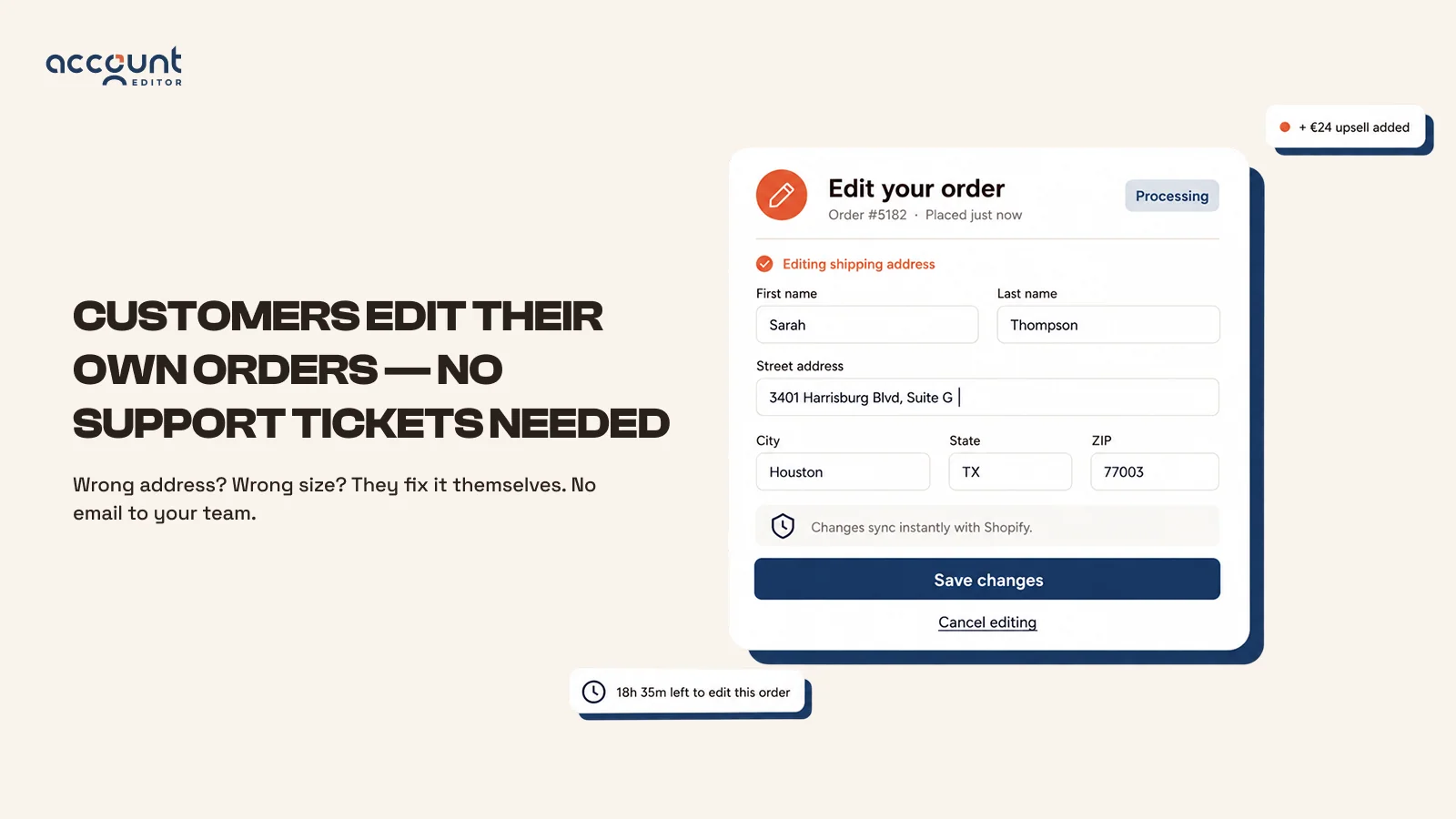
Account Editor covers the standard self-serve set — item and variant edits, Google-powered address validation, automatic discount, shipping, and tax recalculation on every edit — but its distinguishing feature is on the cancellation side: “smart cancel order retention rules” that can apply restocking fees or present a save offer before a customer completes a cancellation, which none of the other apps in this list build in natively. It supports eight languages and integrates with Shopify Flow and 3PL systems. The trade-off is pricing: it starts at $39/month for 0–1,200 orders with no free plan, so there's no no-cost way to test whether it moves your ticket volume before you commit to a paid tier.
Orderify: Cheapest Entry, But It Cancels Instead of Editing
Orderify has the lowest starting price in this category by far — $4.99/month on Shopify Basic, scaling to $99.99/month on Shopify Plus — and lets customers cancel, edit, or reorder from the order status page, confirmation email, or account page.
The real limitation is mechanical, and it's disclosed in Orderify's own listing: to give customers full editing flexibility, “Orderify first cancels the original order and reloads the items in a shopping cart” rather than editing the order in place.
That approach has a documented side effect that shows up in merchant reviews because the original order is cancelled and a new one created; stores can lose the Shopify Payments processing fees already paid on the original transaction unless they configure a Shopify Flow automation to delay payment capture on new orders specifically to avoid double-charging those fees.
A handful of reviews on third-party aggregators also describe checkout-code conflicts after installation. None of this means Orderify doesn't work — most reviews describe exactly the ticket reduction it promises — but the cancel-and-recreate mechanism is a meaningfully different approach from every other app in this guide, and it's worth testing on a development store first if payment-processing costs at your volume are a real concern.
Revize: Broadest Language Support, Built for Shopify Badge
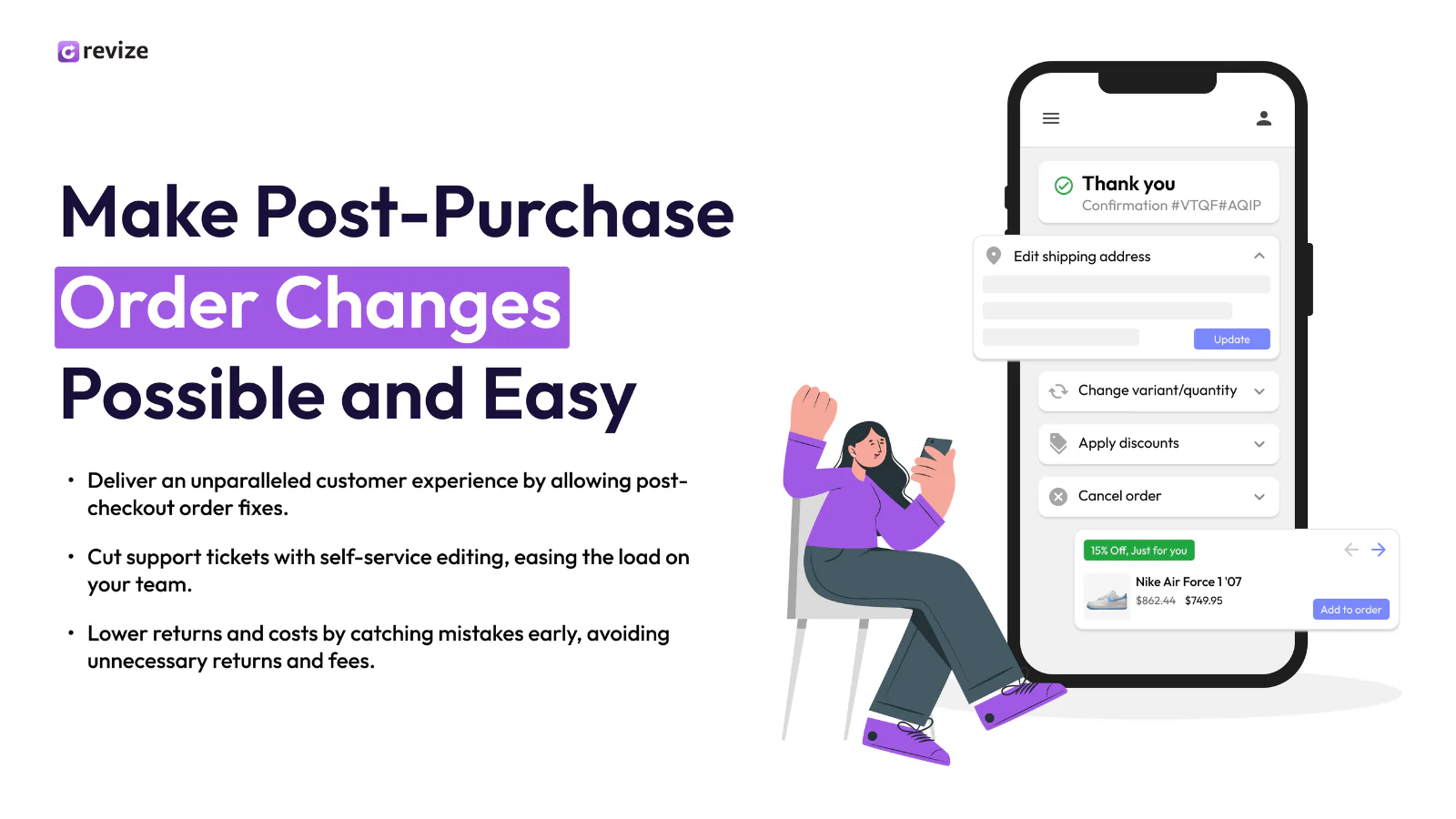
Revize offers a genuine free plan — 20 order edits a month with time-based and recurring edit deadlines, variant and quantity changes, address/email/phone updates, and auto-cancel with instant refunds — before moving to $49/month for unlimited edits on the Starter tier. It supports around 20 languages, more than any other app in this comparison, and integrates with Recharge for subscription order editing alongside Klaviyo, Reconvert, and Rebuy.
It also carries Shopify's Built for Shopify badge, a designation Shopify reserves for apps that meet specific performance, design, and API-integration standards — confirmed on Shopify's own order-editing app category page, not just claimed on the app's marketing site. Its trade-off is simply scale: with roughly 100 reviews, it has a smaller track record than OrderEditing.com or Cleverific, even though its rating (5.0) and badge status are both strong signals for a newer entrant.
Key Features to Look For in Order Editing Apps
Before choosing an app, check that it covers:
- Self-service address editing with real-time validation, not just a free-text field
- Product/variant swaps, so a wrong size doesn't automatically become a cancellation
- A configurable edit window — tied to a fixed timer, a fulfillment status, or both
- Cancellation handling, ideally with a store-credit option alongside cash refunds
- Fulfillment-safe syncing — the app should prevent your warehouse or 3PL from picking an order mid-edit
- Notifications to both the customer and your staff when an order actually changes
- In-place editing rather than cancel-and-recreate, unless you've specifically confirmed the payment-processing implications for your volume
- Clarity on default behaviors — as Cleverific's reviews show, a default refund or restock setting that isn't surfaced during setup can catch a merchant off guard months later
- A
write_order_editsscope request you're comfortable with — check what data access the app asks for during install
Pricing Considerations for Different Business Sizes
Order editing apps generally price on one of two models: a flat monthly fee with an edit-count cap (Vista Order Editing, Revize, ClickPost's Basic tier), or tiered pricing based on monthly order volume (OrderEditing.com, Account Editor).
For a small or early-growth store, a flat-fee app with a genuine free plan is usually the better starting point — you can validate that editing actually reduces your ticket volume before committing to a bigger spend, and both Vista and Revize let you do that at zero cost.
Larger or Plus-tier stores with complex fulfillment setups will often outgrow the free tiers quickly and need the deeper integrations (Shopify Markets, multi-currency, WMS syncing) that the volume-priced apps like OrderEditing.com are built around. Match the plan to your order volume rather than the feature list — most stores use a small fraction of the upsell and automation tooling they pay for.
Customer Reviews: What Users Are Actually Saying
Across the apps in this category, the recurring theme in positive reviews isn't a specific feature — it's time saved. Merchants repeatedly describe removing manual address-change and cancellation processing entirely once self-service editing is live, and describe support teams that previously fielded these requests all day being freed up for higher-value work.
The negative and critical reviews are more instructive than the five-star ones, because they cluster around mechanism rather than bugs: Cleverific's default-refund setting and reporting complications, Orderify's payment-fee implications from its cancel-and-recreate approach. Both are genuine architectural trade-offs specific to how each app is built, not one-off technical glitches — which is exactly why they're worth reading in the app's own review history before you pick based on the feature list alone.
The Role of AI in Order Editing Apps
AI shows up in this category in two distinct ways. The more mature use is address validation — flagging a shipping address that looks incomplete or mistyped and suggesting a correction before the order ships, which every app in this guide now includes in some form (most using Google's address validation API).
The newer use is AI-assisted support: some post-purchase platforms use an AI agent to look up an order and process a change on a customer's behalf when they reach out through chat. That's a meaningful speed improvement over a human agent, but it's worth noting the distinction: an AI agent processing a change for a customer is still a support interaction, not the same as a customer editing the order themselves with no ticket created at all.
How Order Editing Apps Enhance Customer Satisfaction
Customers form their opinion of a brand's post-purchase experience in the moments right after checkout, and a mistake they can't fix themselves is one of the most common reasons for a negative experience. Being able to correct an address or swap a size immediately, without waiting on a reply, removes the anxiety of not knowing whether the fix will happen in time. It also avoids the alternative outcome — a cancelled order and a refund — which is a worse experience for the customer and a lost sale for the merchant.
Converting Customer Service into Revenue Opportunities
The apps that pair editing with post-purchase upsells (OrderEditing.com, Account Editor, ClickPost, and similar tools) are betting on a simple idea: a customer who's already engaged enough to edit their order is also receptive to a relevant add-on offer.
A shopper fixing a shipping address might see a free-shipping threshold nudge; one swapping a size might see a matching accessory. Handled well, this converts what used to be a pure cost center — the support ticket — into incremental average order value. Handled poorly, it adds friction to a task the customer just wants to finish quickly, so the offer needs to be genuinely relevant and easy to skip.
Future Trends in Order Editing Technologies
Expect three things to keep developing in this category through 2026 and beyond. First, deeper native Shopify integration — Shopify's own admin order editor has expanded steadily since its 2019 launch, and third-party apps are increasingly building on top of the GraphQL Admin API's order-editing mutations rather than working around them. Second, tighter fulfillment and 3PL syncing, so editing windows can close automatically the instant a warehouse tag changes rather than on a fixed timer alone. Third, more granular AI-assisted address correction, catching a wider range of typos and formatting issues before they ever reach a shipping label.
Frequently Asked Questions
Can you edit orders on Shopify after they're placed?
Yes. Shopify's built-in order editor lets store staff add or remove unfulfilled items, adjust quantities, apply or remove discounts, and update shipping fees after an order is placed and paid, but you will need a third-party app if you want customers to edit orders.
What can you edit on Shopify orders?
From the admin, you can edit unfulfilled line items, quantities, and discounts, and add custom line items or shipping lines. You can't remove or reduce the quantity of items that have already been fulfilled, and shipping rates aren't automatically recalculated when you edit an order, so you may need to adjust shipping charges manually.
How do I edit an order in Shopify?
Go to Orders in your Shopify admin, open the order, click Edit, make your changes, and then review and update the order. If the total increases, you'll need to collect additional payment.
Can customers edit their own orders on Shopify?
Not through Shopify's native admin tools — that's staff-only. Customer self-service editing requires a third-party app like Vista Order Editing, typically surfaced on the thank-you page, order status page, or account page.
Can I change the price of items after an order is placed?
Most order editing apps allow applying a discount post-purchase. You can apply, adjust, or remove a manual discount on individual line items, which changes what the customer owes or is refunded.
Can I add items to an existing Shopify order?
Yes, as long as the order is unfulfilled or partially unfulfilled. Adding items increases the order total, and you'll need to invoice or collect payment for the difference.
Conclusion: Choosing the Right App for Your Store
There's no single “best” order editing app; the right choice depends on what's actually driving your support tickets, how much you want to spend solving it, and which of the trade-offs above you can live with. If address mistakes and size swaps are your main pain point and you want to fix them without paying for enterprise features you won't use, Vista Order Editing covers the core self-service workflow starting free and scaling to $30/month.
If you're running a high-volume Plus store that wants Klaviyo-integrated upselling and the largest existing brand roster, OrderEditing.com's higher tiers are built for that scale. If your team needs to edit locked-down fields like billing address on complex wholesale orders, Cleverific's Advanced Mode does that no one else here matches just read its refund-default and reporting notes first. And if the lowest possible entry price matters more than in-place editing, Orderify's mechanism works, but model the Shopify Payments fee implications before you commit at volume.
Start with what's generating the most tickets today, check whether Shopify's native editor or a manual workaround already covers it, and only then install the app whose feature set and known trade-offs actually match the gap that's left.
1 thought on “Best Shopify Order Editing Apps”
Comments are closed.