Author's note: I run Growthpolis, and one of the apps mentioned below — Vista Checkout Rule & Discount — is ours. Everywhere it's discussed, I've tried to be upfront about what it does well and where it's genuinely behind more established competitors, rather than pretending it's the answer to everything. The technical limits, review findings, and pricing details below were pulled directly from Shopify's own developer documentation and from each app's live Shopify App Store listing while researching this piece.
Shopify Scripts, the old way of customizing discounts, payment methods, and shipping options with code, was officially deprecated on June 30, 2026. Any Scripts still published on a store were deactivated that day and no longer run. If your store relied on Script Editor for BOGO deals, tiered discounts, or hiding a payment method at checkout, that logic is gone unless you've already replaced it with a Shopify Function.
The Quick Answer
If you just need to know where to start:
| If your priority is… | Look at |
|---|---|
| Checkout customization (hide/reorder/rename payment & shipping) plus advanced automatic discounts | Vista Checkout Rule & Discount |
| An all-in-one editor covering discounts, payments, delivery, and validations | SMART Functions Creator (formerly FC – Functions Creator Scripts) |
| Complex, multi-condition discount logic via a visual node-based builder | Function Studio |
| AI-assisted migration from an old Shopify Script, with a developer building custom logic for you | SupaEasy |
| Promotions that also need to display on the storefront itself, not just at checkout | FJ Functions and Promo Builder |
What native Shopify (no app) actually lets you do: create basic automatic and code-based discounts (percentage off, fixed amount off, free shipping, and buy-X-get-Y) through the Discounts section of Admin, with up to 25 active automatic discounts and standard combination rules. What it doesn't do natively: conditional logic tied to customer tags/segments, capped percentage discounts, per-line-item discount variation in one cart, or any payment/shipping method customization, cart validation, or bundle logic — all of that requires a Function, either custom-built or from an app like the ones below.
What Are Shopify Functions, and Why Did They Replace Scripts?
Shopify Functions let app developers inject custom logic directly into Shopify's backend at specific points in the customer journey — when a discount is calculated, when payment methods are listed at checkout, when shipping options are generated, or when a cart is validated before checkout proceeds. A function receives a JSON input (built from a GraphQL query, such as cart contents or product metafields), runs its logic, and returns a JSON output telling Shopify what to do next.
The architecture is what makes Functions more reliable than Scripts in practice, even if you never touch the underlying code:
- Functions compile to WebAssembly (Wasm). Wasm runs in a sandboxed, near-native-speed environment, which is why Shopify can execute functions at checkout without the performance risk that came with Scripts running arbitrary code.
- Rust and JavaScript are the supported languages, with Shopify explicitly recommending Rust for functions that need to process large carts without failing; for typical workloads both languages tend to execute in well under 5 milliseconds.
- Functions are never called directly — only Shopify invokes them, as part of a real customer action, which is part of why they're considered more secure than the old Script Editor.
- Public apps built with Functions work on any Shopify plan. Only merchants building a fully custom, in-house app that calls the raw Function APIs directly need Shopify Plus — installing an app from the App Store doesn't.
Why the “Just Use an App” Answer Isn't the Full Picture: Shopify's Own Function Limits
This is where most Functions app comparisons stop short — they'll tell you an app “unlocks advanced discounts” without explaining that Shopify's underlying platform has hard technical ceilings every app on this list has to work within, whether it's Vista or a competitor. Understanding them changes how you should actually configure your rules.
The 25-active-discount ceiling is shared, not per-app. Shopify allows a maximum of 25 active automatic discount functions on a single store, and that limit includes every app-based discount combined — not 25 per app. If you're running two or three Functions apps at once (say, a bundle app, a loyalty app, and a checkout-rules app), they're all drawing from the same 25-slot pool. Shopify only raised this from an original 5-discount limit in the last couple of years, and merchant complaints about hitting that original ceiling are part of why it moved.
Discount functions can't see each other, and each one applies only one result per class. Every active discount function runs independently and has no knowledge of what any other function is doing — Shopify reconciles the outputs afterward using the combination and stacking rules you've set. A subtler limitation developers run into: even when a single function calculates multiple different discounts across different cart lines (say, one tier for a line with quantity 2 and a different tier for a line with quantity 6), Shopify will only apply one of those results per discount class. This is a known constraint in Shopify's own discount function documentation, not a bug in any particular app — but it explains why some “volume discount” implementations behave oddly on carts with mixed quantities across products.
Payment and delivery customization functions share a similar cap, and on non-Plus US/Canada stores, certain checkout elements (like fully hiding a credit card field rather than just reordering payment methods) aren't available regardless of which app you use — that's a platform restriction, not something any app can build around.
Functions have to run fast, or Shopify skips them. Function execution is time-boxed; if a function is slow (typically due to an inefficient external API call), Shopify will bypass it entirely to keep checkout fast, meaning the discount or rule silently doesn't apply that time rather than failing loudly.
None of this is a reason to avoid Functions apps — it's the reason to pick one deliberately rather than assuming any “Shopify Functions app” behaves the same as any other once your discount stack gets complex.
What You Can Do Without Installing Any App
Before comparing paid tools, it's worth knowing what's achievable with zero extra apps, because for simple stores it may be enough:
- Basic automatic and code discounts (percentage, fixed amount, free shipping, buy X get Y) are built into Shopify Admin's Discounts section and don't require Functions at all.
- Combining discounts — letting a shipping discount stack with a product discount, for example — is configurable natively through each discount's combination settings, up to the 5 product/order-discount-code and 1 shipping-discount-code limit per order.
- A documented (if clunky) workaround for tiered pricing without an app: some merchants have built tiered discount logic using customer metafields as tier flags (e.g., tagging a segment “Tier 1,” “Tier 2”) inside a single native discount rule, avoiding the need for a separate discount per tier. The trade-off is that checkout only shows a generic discount title rather than the specific tier amount, which can look confusing on the order summary.
- Shopify Flow can automate some adjacent tasks — tagging customers, scheduling a discount's start/end, or triggering notifications — without being a discount or checkout engine itself.
- For payment/shipping method visibility, the only fully native option (no app) is Shopify Plus merchants using checkout branding and Plus-only checkout customization settings directly; non-Plus stores have no native way to hide or reorder a payment method without a Function.
If your needs go past this — capped discounts, per-customer-segment logic, payment method visibility on a non-Plus plan, or cart validation — you're into Function-app territory, and the rest of this guide covers the strongest options.
The Best Shopify Functions Apps by Use Case
Star ratings and review counts below are a snapshot from researching this piece; they move quickly, so check the live listing before committing to a paid plan.
Best for Checkout Customization + Advanced Discounts: Vista Checkout Rule & Discount
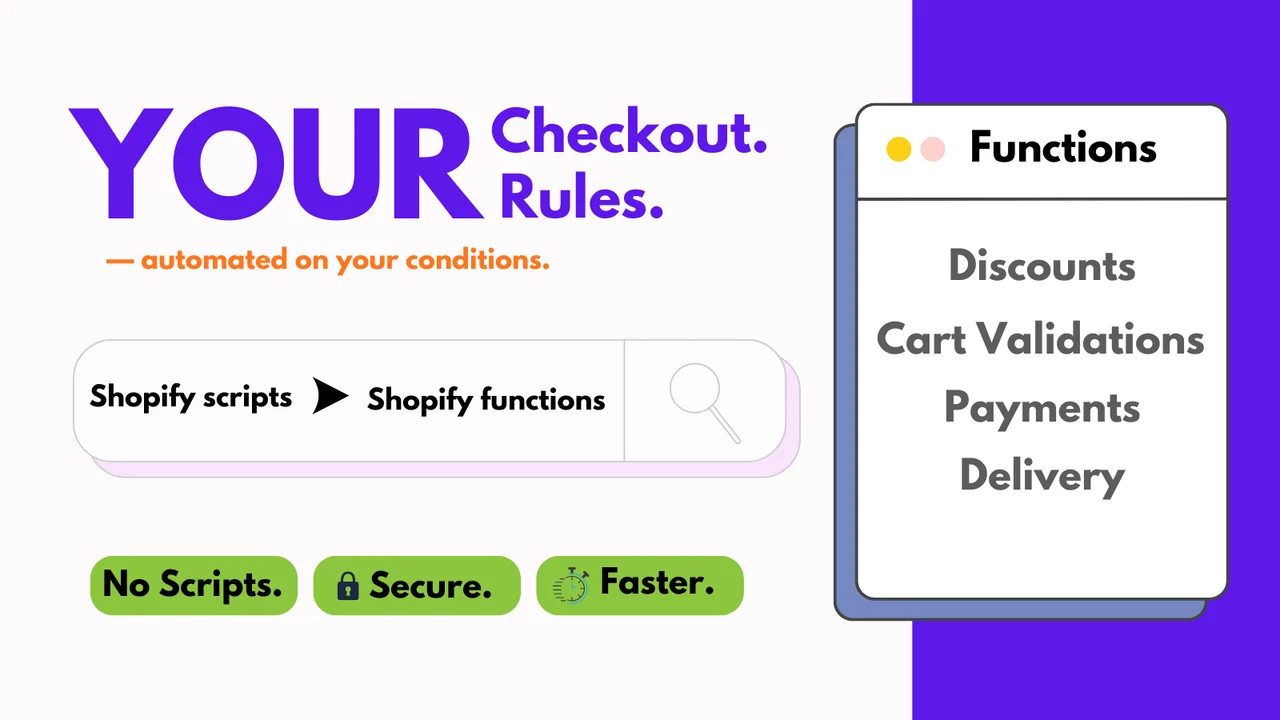
Vista Checkout Rule & Discount (built by Growthpolis) is built around the combination this guide's own comparison table above points to: controlling both payment/shipping visibility and automatic discount logic in one app, rather than treating checkout customization as an afterthought to a discount engine.
On discounts, it builds automatic rules from real conditions — customer tags and segments, cart quantity, cart total, tiered pricing thresholds, and BOGO/BXGY logic — triggered from actual catalog products rather than virtual SKUs, which avoids the inventory-tracking complications some bundle/BOGO workarounds create.
On checkout, it uses Functions to hide, reorder, or rename payment and shipping methods based on country, city, product tags, language, customer tags, subscription plan, or the discount already applied, plus cart validation rules that can block checkout entirely (useful for restricting a risky payment method past a certain order value, or preventing incompatible product combinations from shipping together).
Where it's honestly behind: it's a year-old app with a small review count so far compared to apps like SupaEasy or SMART Functions Creator, which have been through hundreds of real merchant setups and have a longer track record handling edge cases. The free plan is limited to a single rule for testing before you need a paid tier. If you want an app with years of review history and battle-tested support processes behind it, that weighs in favor of a more established option; if you specifically need payment/shipping customization bundled with discount logic in one app (rather than running two separate apps against the same 25-discount ceiling), Vista is built for that combination specifically.
Best for an All-in-One No-Code Editor: SMART Functions Creator
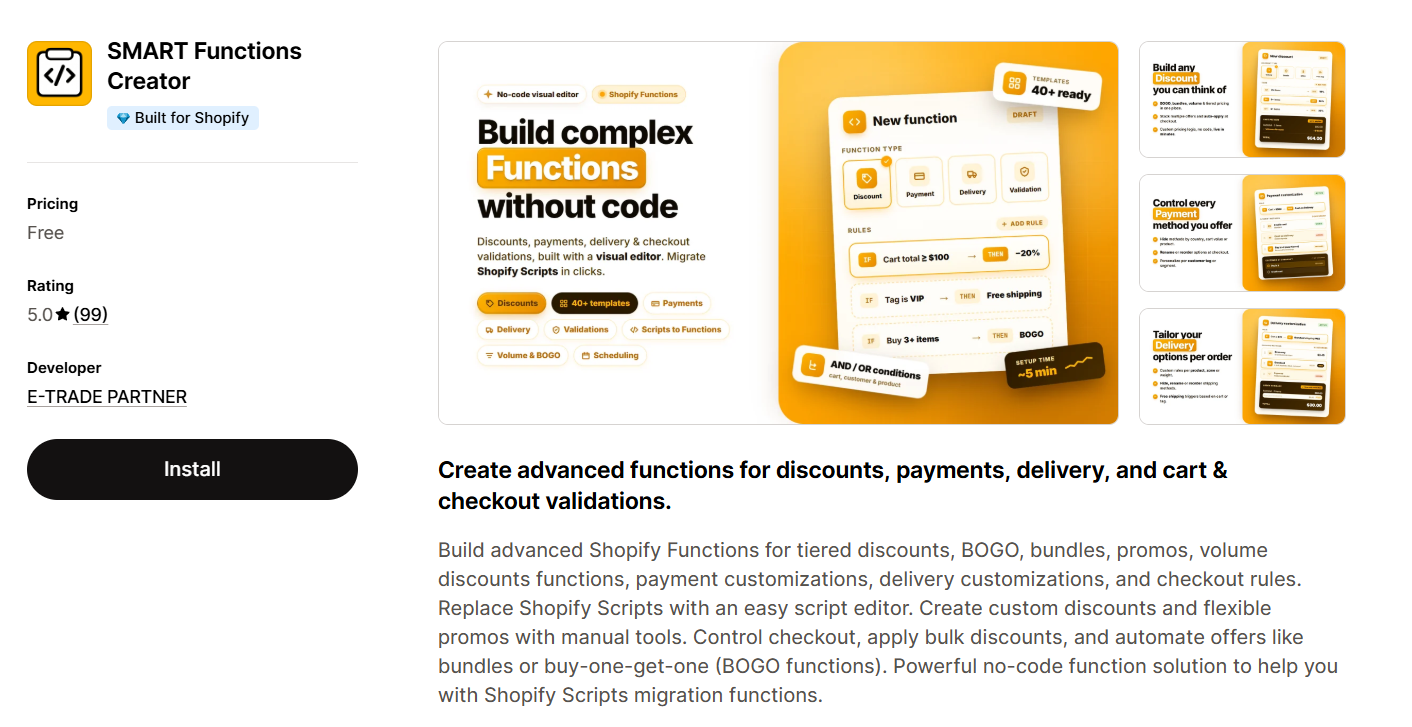
Formerly listed as “FC – Functions Creator Scripts,” this app (by E-TRADE PARTNER) covers discounts, payment customization, delivery rules, and checkout validation from one editor, with templates for tiered pricing, BOGO, and bundle deals, and a stated focus on migrating existing Scripts with minimal manual rebuilding. It's one of the most reviewed apps in this space — around 99 reviews at 5.0 stars — and free to install.
Digging into the review history itself is informative: one recent review, from a Plus merchant, put it plainly — the app “does have certain limitations” for more niche or custom logic, but the support team consistently builds workarounds or custom solutions when the interface itself falls short. That's a meaningfully different experience than an app where the interface alone covers everything: you're getting a broad no-code editor with a support team that fills the gaps case-by-case, rather than an editor that needs zero hand-holding for complex setups.
Best for: merchants who had multiple different Scripts (discounts, payments, delivery) and want one app to rebuild all of them, and who are comfortable leaning on support for anything outside the standard templates.
Best for Visual, Complex Discount Logic: Function Studio
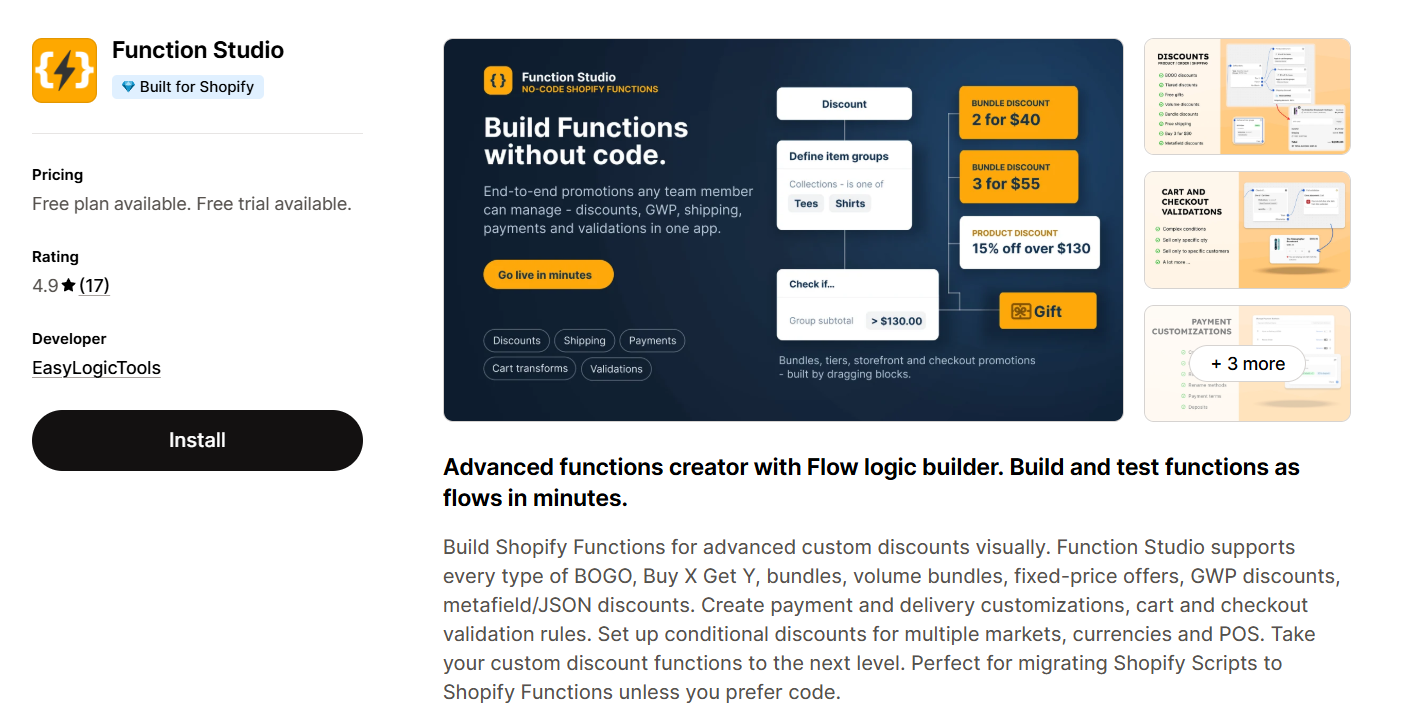
Function Studio (by EasyLogicTools) uses a node-based “flow logic” builder — you assemble discount and validation logic as connected blocks rather than filling a linear form — and covers an unusually wide span of discount types: BOGO, Buy X Get Y, volume bundles, mix-and-match bundles, fixed-price offers, gift-with-purchase, plus metafield-based conditions for stores with more complex catalog data.
Its own pricing tiers reveal the real ceiling to plan around: the free plan is capped at one active function with three logic blocks each, and is restricted to development/staging stores only — meaning you can't actually run it live on a real storefront without upgrading. The Standard tier ($25/month) unlocks six active functions with six blocks each; metafield support, multi-currency conversion, and POS-specific rules are gated behind the Advanced tier ($49/month). For a merchant comparing “free plan available” badges across apps at a glance, it's worth knowing Function Studio's free tier is effectively a sandbox rather than a usable live setup.
Best for: merchants who need genuinely complex, multi-condition discount logic a simpler form-based app can't express, and who are planning to pay for at least the Standard tier from the start rather than expecting the free plan to be production-usable.
Best for AI-Assisted Migration: SupaEasy
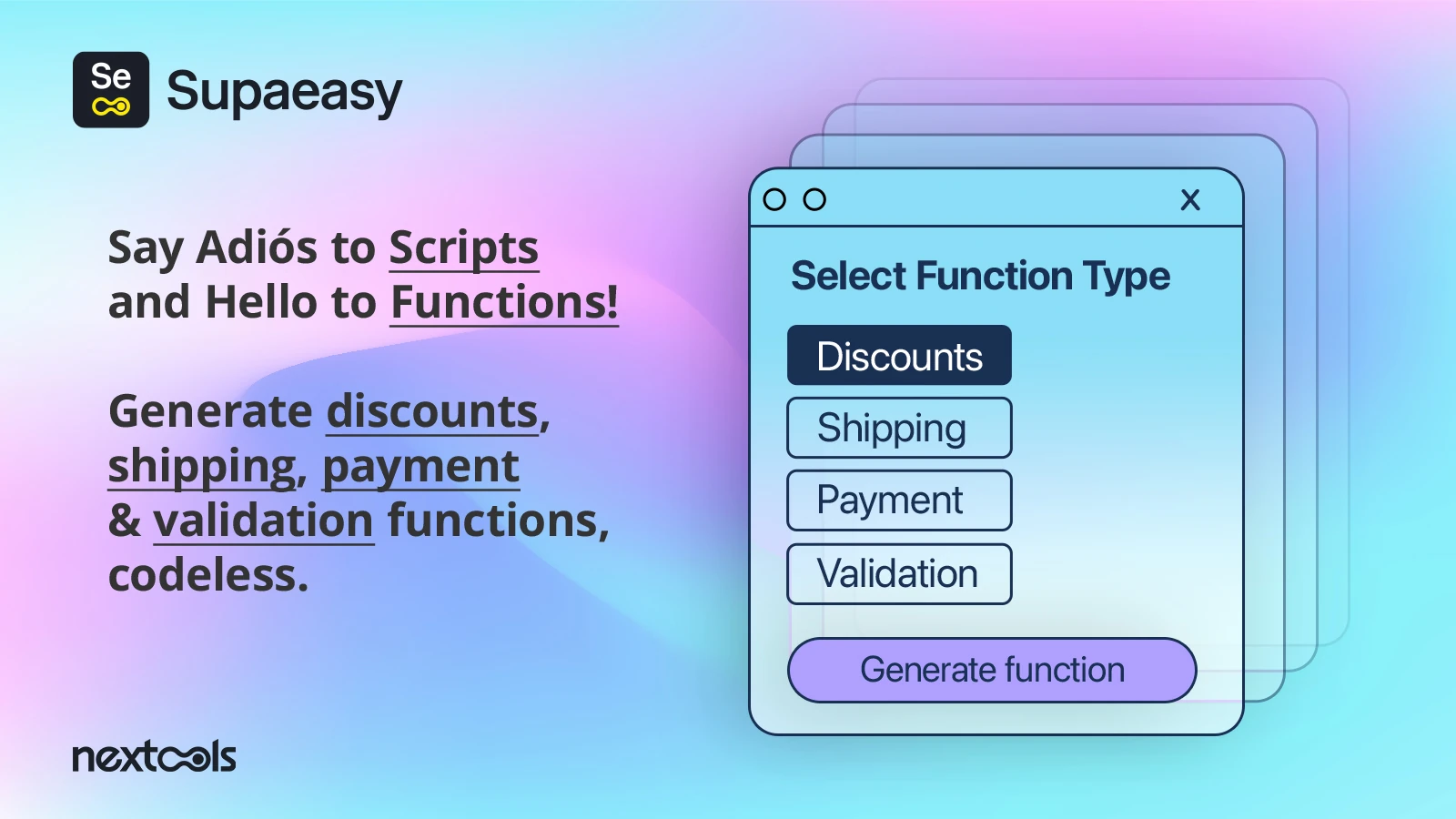
SupaEasy's core differentiator is using AI prompts to generate or migrate function logic — you describe what you want in plain language or point it at an old Script, and it builds the corresponding configuration. It's the most-reviewed app in this comparison by a wide margin (around 200+ reviews at 5.0 stars) with a free plan available.
What stands out reading through its review history isn't the AI feature itself so much as how often the resolution described in five-star reviews involves a human developer on SupaEasy's team building or adjusting the function directly for the merchant — custom pricing logic for a bespoke bundle app, cart-attribute-based validations, and similar edge cases that don't fit a standard template. That's a real strength for merchants who want a solved problem rather than a tool to operate themselves, but it does mean the “AI Functions creator” positioning undersells how much of the actual value comes from responsive human support rather than a fully self-serve AI builder.
Best for: merchants migrating off Scripts who want a hands-on, largely done-for-you rebuild rather than a self-service editor — especially for logic complex enough that a template-based app won't cover it.
Best for Storefront-Visible Promotions: Function Junction Promos
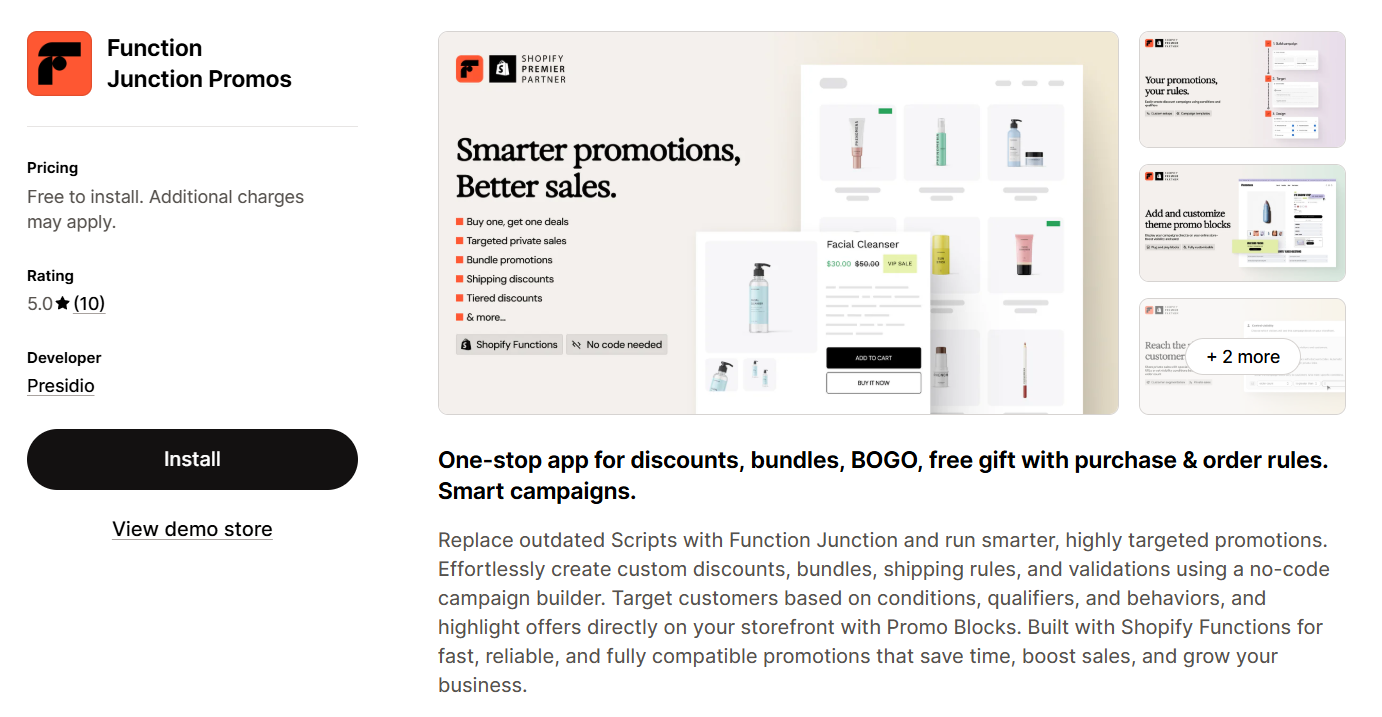
Function Junction Promos (by Presidio) builds tiered discounts, bundles, shipping rules, and validations through a no-code campaign builder, and adds “Promo Blocks” that surface active offers directly on the storefront — not just silently at checkout, which most pure discount-calculation apps skip. It holds a perfect 5.0 rating from a smaller review base (under 10 at the time of writing) and reviewers consistently cite a smooth transition off Shopify Scripts as the main value.
The plan structure is worth reading closely before assuming “free” means “usable”: the Basic Free tier includes only one active campaign at a time, with the Developer Free tier limited to sandbox testing rather than a live store. For anything beyond a single always-on promotion, you're looking at a paid tier.
Best for: merchants who want the promotion itself visible and marketed on-site, not just applied at checkout — provided you plan for a paid tier once you need more than one live campaign.
Migrating From Scripts: What Actually Trips Merchants Up
Because Script Editor is now deactivated rather than merely “legacy,” most practical friction isn't Functions vs. Scripts as a choice anymore — it's cleanly finishing the migration and troubleshooting the new setup.
Discounts not applying at checkout. The most common cause is a discount combination conflict — a new automatic discount silently fails to apply if it isn't explicitly set to combine with a discount already active on the cart. The second most common cause, especially with subscription platforms, cart-drawer apps, and upsell widgets, is a “Use Shopify Functions” setting inside that third-party app simply not being toggled on — the discount looks configured correctly, but the app is still trying to calculate it the old way.
Running Functions discounts inside third-party widgets. Cart and checkout widgets can generally trigger a Functions-based discount, but only if the widget explicitly supports it — and some only show a visual-only preview discount in the drawer, with the real calculation confirmed later at checkout, rather than two independently calculated discounts. Check the widget's own documentation for which discount types it defers to Shopify for.
Editing app-generated discounts in Shopify Admin. A discount created by a Functions app usually shows up in Admin's discount list, but editing it directly there is often limited or blocked — it's meant to be managed through the app that created it, not the Admin record.
Different discounts per product in one cart. This is squarely a Functions use case: applying a different percentage or fixed discount to different line items in the same cart based on product tags or metafields requires a function with per-line-item logic, and — per the platform limitation above — can behave unexpectedly if the underlying function tries to return more than one discount result per class on the same cart.
If you're migrating an old Script today, list out exactly what each script did — discount type, payment/shipping rule, or validation — then match each against a use case above. Most Functions apps go deep on one or two of these categories rather than covering all of them equally, which is why merchants coming off Script Editor sometimes end up running two Functions apps (a discount-focused app plus a checkout/payment-focused one like Vista) rather than expecting one app to do everything within the same shared 25-discount ceiling.
Frequently Asked Questions
Why are my discounts not working after switching to a Functions app?
Check whether the new discount's combination settings allow it to stack with any other active discount on the cart, and whether “Use Shopify Functions” is enabled in any third-party cart, subscription, or upsell app you're running.
Are there conflicts if I use Scripts and Functions together?
Script Editor was deactivated on June 30, 2026, so there's no “together” scenario left to manage. Any script logic still referenced anywhere in your setup needs to be rebuilt as a Function.
Can I use Shopify Functions discounts inside a third-party widget?
Generally yes, but only for the discount types that widget explicitly supports — some show a visual-only estimated discount in the cart drawer while checkout does the authoritative calculation.
Can I edit an app-generated Functions discount directly in Shopify Admin?
Usually not in full — discounts created by a Functions app are managed through that app. Admin will show the discount is active, but rule changes need to go back through the app that created it.
What actually makes a Shopify discount or Functions app good, versus just “another app with Functions in the name”?
Check if the app actually uses Shopify Functions. All new-age apps do. Don't get tripped up by Shopify's shared 25-discount ceiling and per-function output limits; offers a real Scripts migration path, and is honest about what its free tier actually lets you run live versus what's gated behind a paid plan.
Growthpolis builds and maintains Shopify apps including Vista Checkout Rule & Discount, and helps merchants plan discount, checkout, and Functions migrations end to end.
Sources
- Shopify Help Center — Shopify Scripts and the Script Editor app (deprecation notice, June 30, 2026)
- Shopify.dev — About Shopify Functions
- Shopify.dev — Discount Function API (25-function limit, combination behavior)
- Shopify.dev — Discounts Allocator Function API
- Shopify Help Center — Combining Discounts (limits and considerations)
- Shopify.dev changelog — Increased limits for automatic function-based discounts
- Shopify.engineering — Bringing JavaScript to WebAssembly for Shopify Functions
- GitHub — Shopify/function-examples discussion on multi-discount function output limits
4 thoughts on “Best Shopify Functions Apps”
Comments are closed.