
Disclosure: Vista Order Editing, one of the apps covered below, is built by Growthpolis, the team writing this guide. We've tried to be upfront about its trade-offs alongside its strengths, and every competitor listed here was verified against its live Shopify App Store listing rather than taken from a brief or directory at face value.
Cleverific has been in the Shopify App Store since 2014 and currently holds a 4.7-star rating across 204 reviews. It's a mature, feature-rich app — but “mature and feature-rich” also means “priced and built for scale,” which isn't what every store needs. Below is a direct comparison of the real alternatives, what native Shopify can and can't do on its own, and where each app's actual trade-offs are not just its marketing copy.
Quick Answer: What Native Shopify Allows vs. What These Apps Unlock
Out of the box, Shopify lets staff edit an unfulfilled order from the admin — add or remove items, change quantities, adjust shipping address. It does not let the customer do any of this themselves. There's no native “edit my order” button on the order status page. That gap is the entire reason this app category exists.
| Native Shopify | With an editing app (Cleverific, Vista, etc.) | |
|---|---|---|
| Customer edits their own address | ❌ Staff must do it manually | ✅ Self-service, no ticket |
| Customer swaps a variant (size/color) | ❌ Not supported as a “swap” — staff must remove and re-add manually | ✅ One click for the customer |
| Customer cancels within a window | ❌ Staff-only cancellation | ✅ Self-service, configurable time window |
| Edits after an item is fulfilled | ❌ Locked by Shopify at the platform level, no app can override this | ❌ Same limitation applies to every app on this list |
Why Shopify Doesn't Let Customers Edit Orders Natively
This isn't an oversight — it's how Shopify's order editing API is built. Editing an order on Shopify runs through the GraphQL Admin API's order-editing workflow: an app calls orderEditBegin to open an edit session (which requires the write_order_edits access scope and staff-level permissions), stages changes with mutations like orderEditAddVariant or orderEditSetQuantity, and then finalizes everything with orderEditCommit. Only after that commit does the change apply to the real order, and it fires an orders/updated webhook so other systems (fulfillment, accounting, 3PLs) stay in sync.
Two restrictions baked into that API explain most of what merchants run into:
- Only unfulfilled line items can be edited. Once Shopify marks an item as fulfilled, it's locked — no app, including every one on this list, can edit it after that point. This is a platform-level rule, not a limitation of any particular app.
- The API has no built-in customer identity layer.
orderEditBeginis a staff-permission mutation. It has no concept of “let this specific customer edit their own order” — that self-service layer (verifying the customer, restricting which fields they can touch, setting a time window) is exactly what Cleverific, Vista, and the other apps on this list are built on top of.
That's the real answer to “why do I need an app for this” — Shopify gives developers the raw editing mechanics, but building a safe, time-boxed, customer-facing UI on top of it is a separate, non-trivial job.
The Native and Manual Workarounds (Without an App)
If you don't want to install an app, here's what's actually available, and where each option breaks down:
- Manual staff edits from the admin. Works for unfulfilled orders, but it's 100% manual — someone on your team has to catch the request, verify it, and make the change before the order ships. This is the workload editing apps exist to remove.
- Cancel and recreate the order. Common workaround for anything the native editor can't touch (like a full variant swap). The catch: it generates a new order number, which can confuse fulfillment and accounting, and depending on your payment processor, you may eat the original transaction's processing fee a second time when the new order is charged.
- Draft orders. Useful for building a new invoice with the corrected items, but it's not really an “edit” — the customer has to pay again, and you have to manually cancel or refund the original.
- Shopify Flow. Flow can automate what happens around an edit request (auto-tag the order, notify support, hold fulfillment for a set window), but Flow itself doesn't give customers a self-service editing interface. It's a useful supporting piece, not a replacement for an editing app.
1. Vista Order Editing & Upsell: Best Budget-Friendly Alternative

Pricing: Free plan available (30 edits/month); Pro at $30/month or $330/year (500 unique edits/month); Premium at $100 or $1100/year (1000+ unique edits)
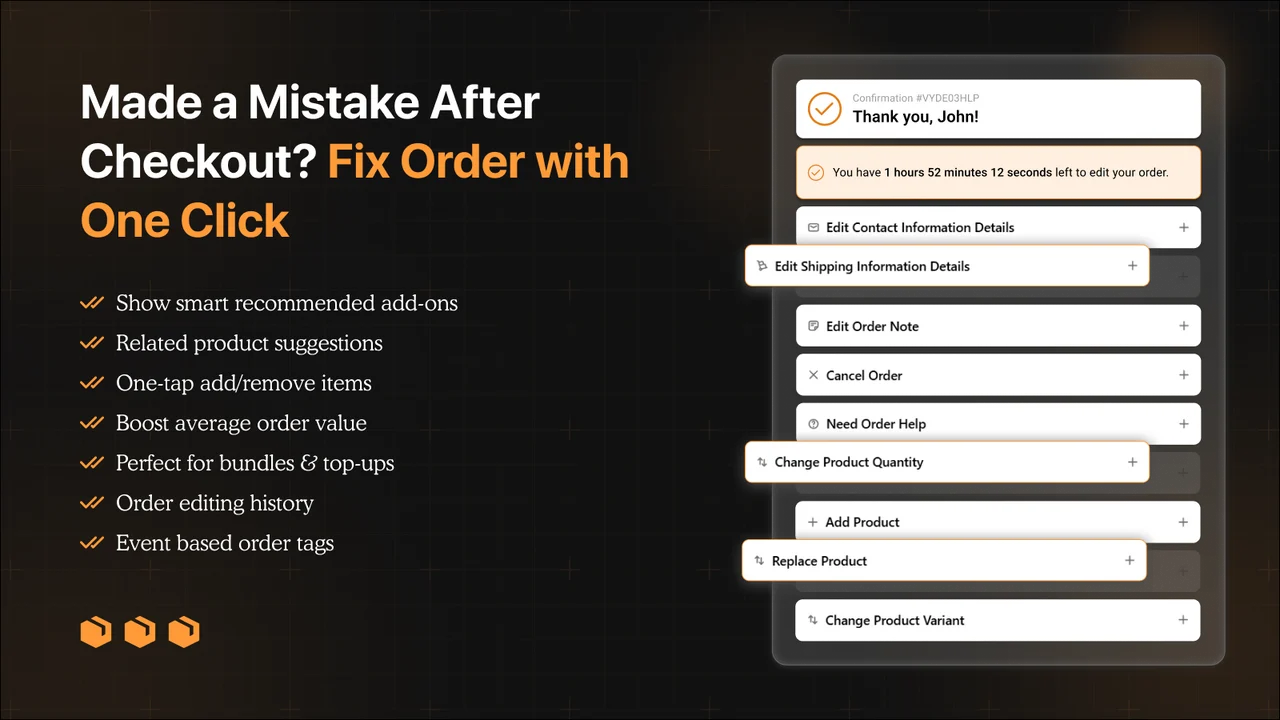
Vista Order Editing & upsell turns the order confirmation page into a self-service hub: customers can fix an address typo, swap a variant, add or remove items, apply a post-purchase discount, or cancel — with cancellations refundable as store credit so that revenue stays in your store instead of reversing to the customer's card.
Where it's genuinely a good fit: stores that mainly need the core workflow: address fixes (auto recalculates taxes), variant swaps, cancellations, and upsells without paying $59+/month for an AI-upsell platform they may not use. There's no per-conversion upsell fee, so the monthly cost is predictable. It allows you to limit which products a customer can edit or add based on product tags or collections. The store can set editing rules by time, delivery method & order tags. The app not only auto-recalculates taxes but allows stores to choose if they want to absorb extra charges or pass them on to customers.
Being straight about the trade-offs: it's a newer, more focused app than Cleverific or OrderEditing.com — it doesn't yet have the years of App Store review history, deep 3PL/OMS integration list, or enterprise-scale track record that the more established players have. If you need that level of integration depth, weigh it against the price gap before switching.
2. Cleverific AI Upsell & Editing: Still the Category Heavyweight
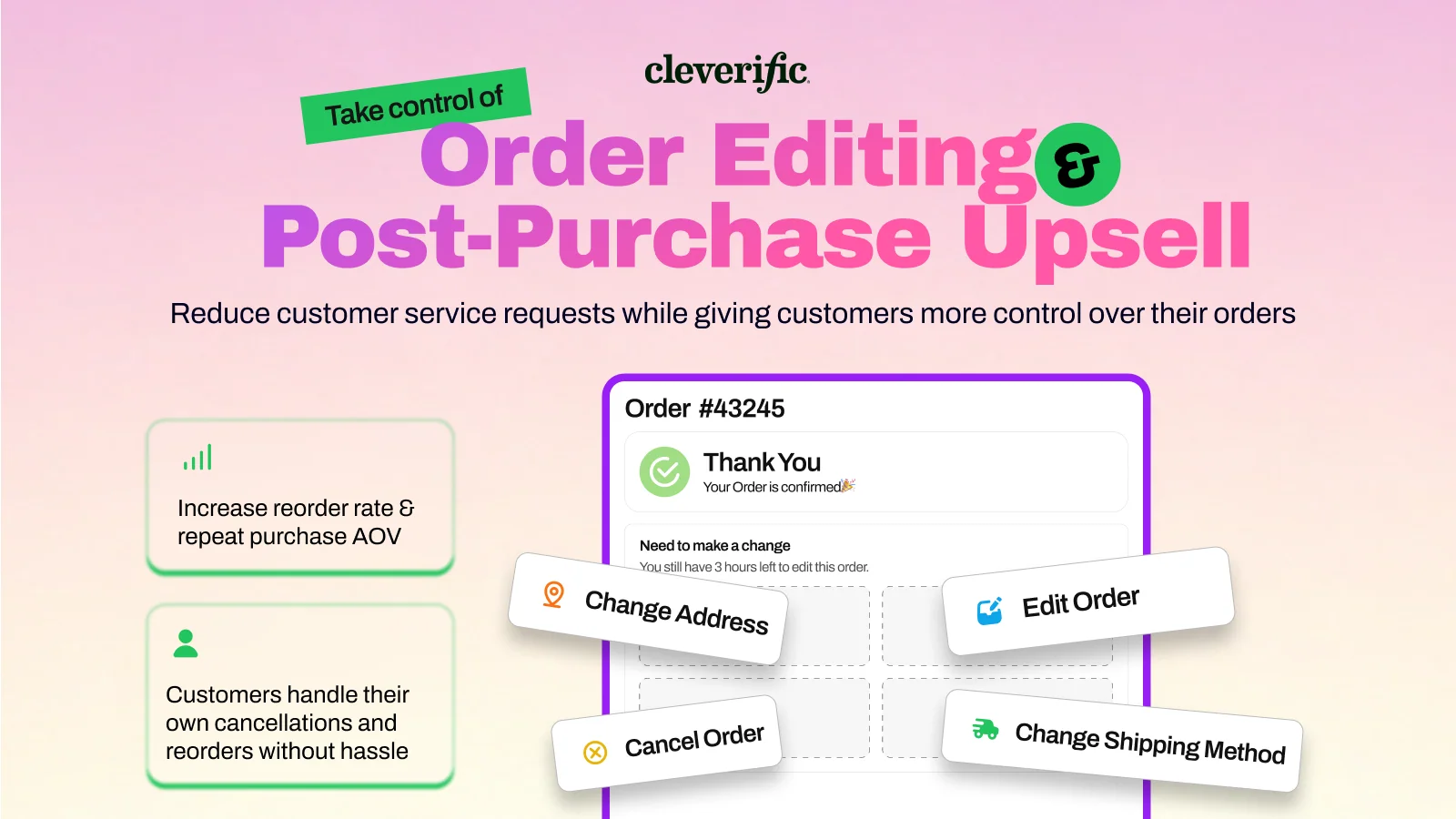
Rating: 4.7 stars (204 reviews) · Pricing: From $59/month (100 edits), scaling to $359/month (800 edits), plus a $1 fee per upsell conversion
Cleverific remains a strong, well-supported option, and its long review history reflects that — most complaints are minor, and its support team responds directly and quickly to negative reviews. One pattern worth flagging for anyone evaluating it: by default, Cleverific automatically issues a refund whenever a customer edits an order in a way that changes the total, and this isn't clearly surfaced to merchants during setup. In one documented case, a merchant was refunded without approving it and, because Shopify doesn't allow a refund to be reversed once issued, was left waiting on the customer to voluntarily pay again. Cleverific's own reply confirmed this has been the app's default behavior for close to a decade — it's a known setting, not a bug, but it's one merchants should check during onboarding rather than discover after the fact.
- Best for: Shopify Plus, B2B/wholesale, and stores that want deep AI-upsell tooling alongside editing.
- Watch for: review the refund-on-edit default setting before going live, and budget for the per-conversion upsell fee on top of the base plan.
3. Revize: Best Free-to-Paid Value
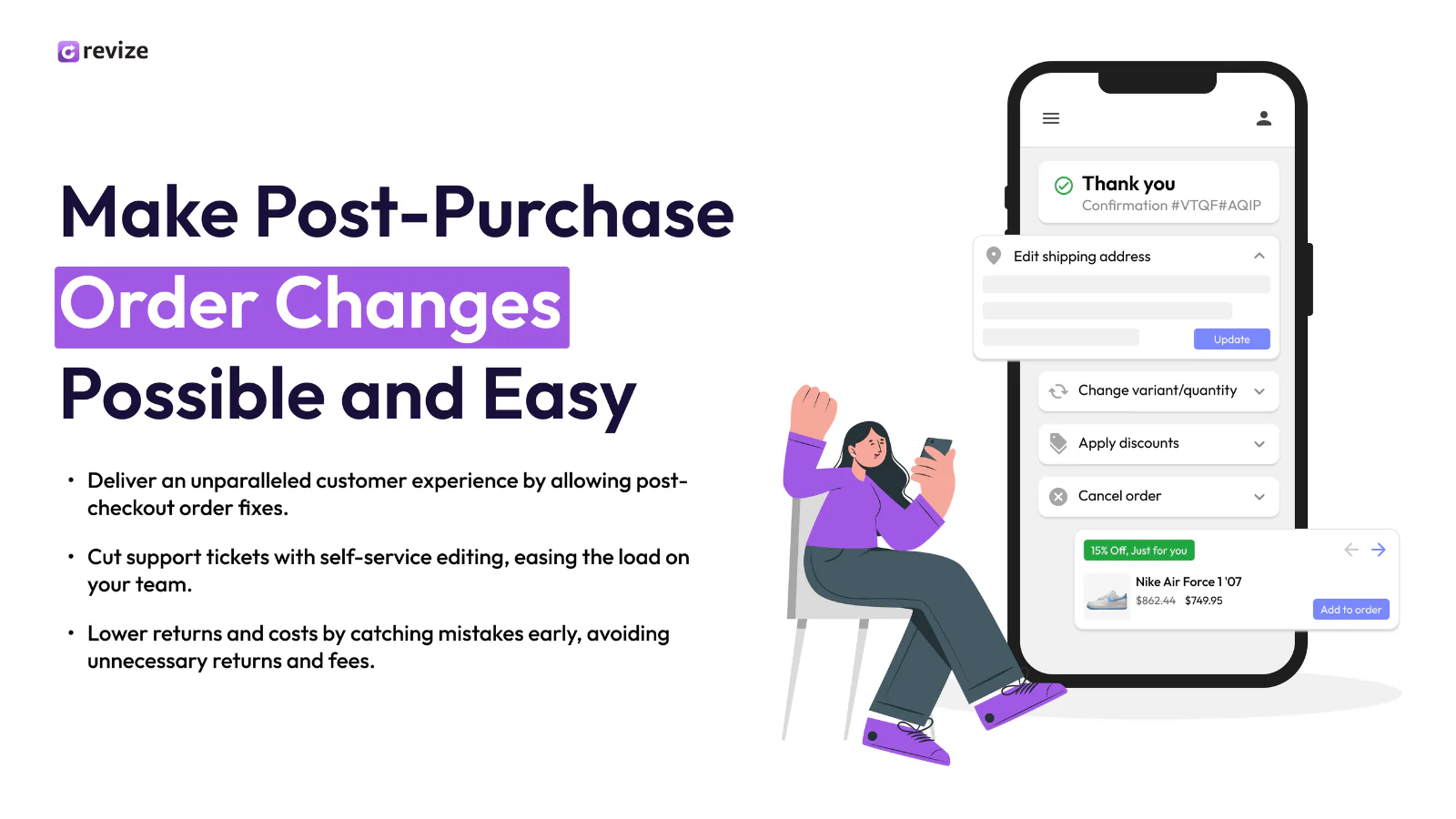
Rating: 5.0 stars (~100-112 reviews, 100% five-star) · Pricing: Free (20 edits/month); Starter $49/month (unlimited edits); Pro $149/month
Revize is one of the newer entrants (launched late 2024) but has built a genuinely usable free tier and unlimited edits at its Starter price — a real gap-filler between Vista's low-cost tier and Cleverific's enterprise pricing. It also supports subscription-order editing more broadly than most competitors and offers 20-language support.
Worth knowing before you commit: several feature-restricted areas — like invoice downloads and some UI elements — sit behind the Pro plan, which limits how much you can evaluate on the free or Starter tier before upgrading. And while its 100% five-star rating looks impressive, it's still a comparatively small review sample next to Cleverific's 204 or OrderEditing.com's 200+, so there's simply less independent scrutiny to weigh against the marketing claims.
4. AE: Order Editing & Upsell (Account Editor): Best for Address Accuracy
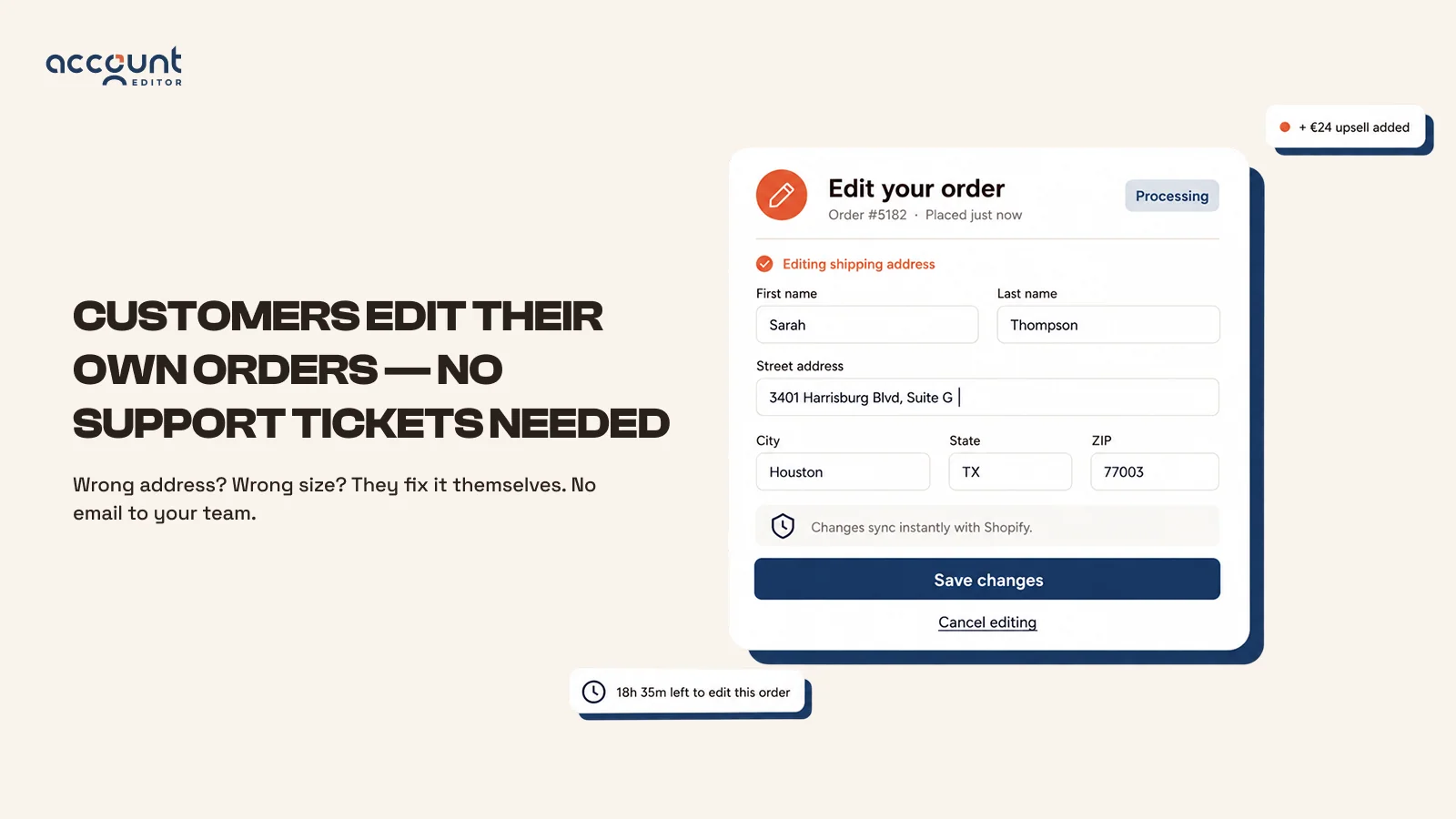
Rating: 5.0 stars (200+ reviews, 100% five-star) · Pricing: From $39/month (0–1,200 orders)
AE's core strength is Google-powered address validation with automatic suggestions, plus automatic tax/discount/shipping recalculation whenever an order changes, deep Shopify Flow integration, and 8-language support.
A real limitation worth knowing: the app publishes its own troubleshooting documentation for failed edits, and it's a useful read before you commit — the most common failure modes are a 3PL or OMS pulling the order from Shopify before your edit window closes (so the warehouse ships the old version), and fulfilled or subscription-locked items that Shopify's platform rules simply won't let any app touch. Neither is unique to AE, but AE is unusually transparent about documenting them, which is itself a decent signal. Separately, its App Store listing notes compatibility restrictions — it isn't available for every store configuration, so it's worth checking eligibility before you plan around it.
5. OrderEditing.com: Best for High-Volume, Growth-Focused Brands
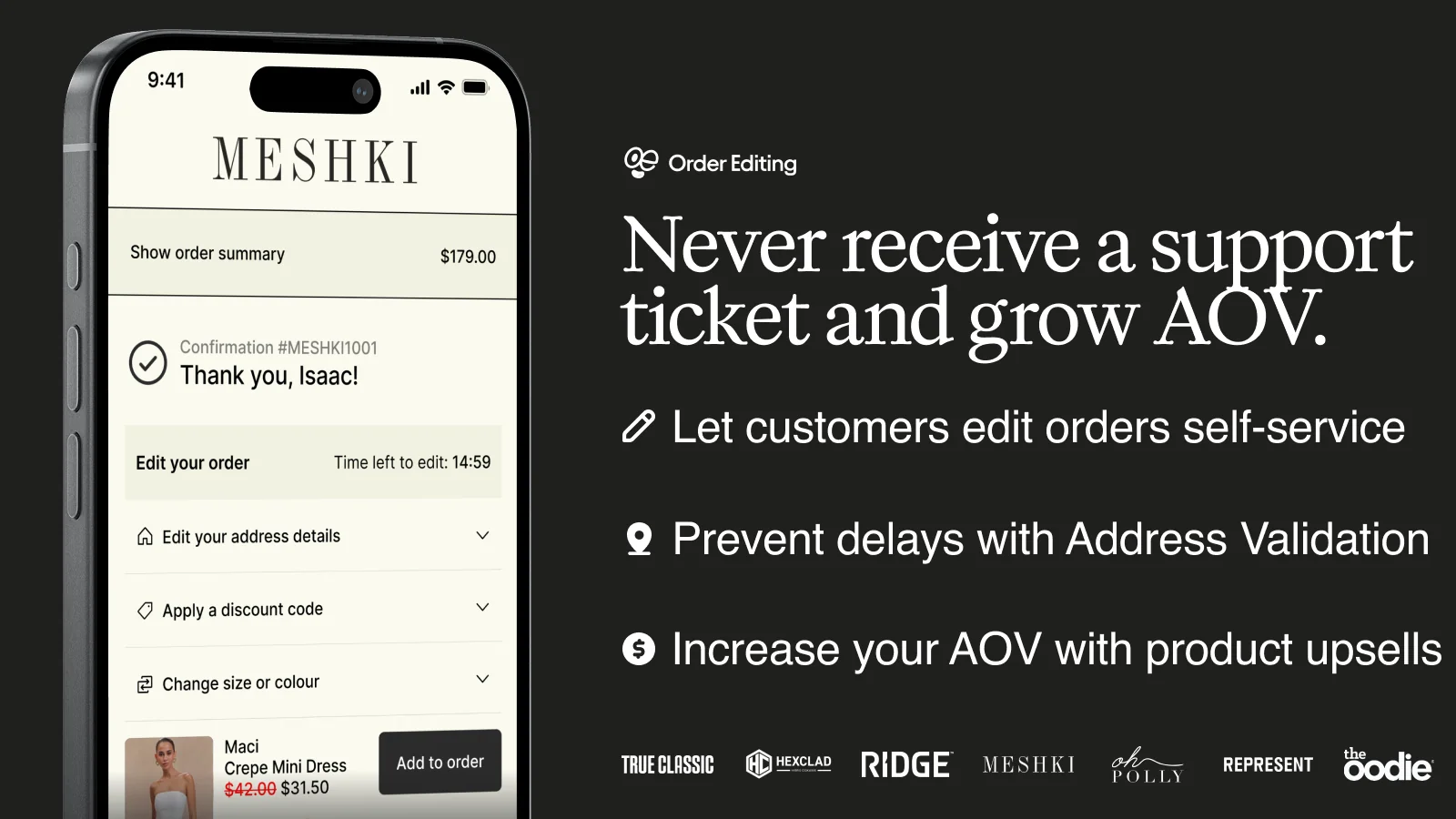
Rating: 5.0 stars (200+ reviews) · Pricing: Published tiers from $99/month (up to 2,500 orders/month) scaling to $599/month (up to 20,000 orders/month), with custom Enterprise pricing above that
OrderEditing.com leans hardest into post-purchase revenue: multi-currency upselling, Shopify Markets support, and integrations across checkout, thank-you page, order status page, and email (Klaviyo). It's used by larger brands including Oh Polly, HexClad, and Ridge, and connects to enterprise systems like NetSuite and ShipHero.
The pricing structure is the thing to understand clearly before choosing it: unlike Vista, Revize, or Editify, OrderEditing.com charges by total monthly order volume, not by how many orders actually get edited. A store processing 2,000 orders a month pays the same $99/month whether 5 customers use the editing feature or 500. For very high-order stores where edits are frequent, that flat structure can work in your favor; for lower-edit-rate stores, it means paying for capacity you may not use.
- Best for: larger or fast-scaling brands where post-purchase revenue, not just ticket reduction, is the primary goal.
- Watch for: the volume-based pricing model means cost is tied to total orders, not editing activity.
6. Editify: Lowest Entry Price, With a Documented Rough Edge

Rating: 4.1 stars (27 reviews) · Pricing: Starter $19/month; Pro $39/month + 1% of upsell revenue generated
Editify covers the standard self-service flow (address, items, shipping) plus order backdating, a less common feature useful for stores that need accurate financial records when an order date needs correcting.
A documented issue worth flagging: one merchant reported that the Starter tier's listed pricing and features didn't match what the app actually allowed — editing only worked on the Pro tier despite Starter being advertised as including it — and that orders originally created by a different app couldn't be edited at all. The developer responded and said the pricing/feature mismatch was fixed, and was working on a solution for the cross-app order limitation, but it's a real gap between what's advertised and what a new merchant experienced at setup. Worth testing the specific tier you plan to pay for during the free trial before committing.
- Best for: budget-conscious stores that specifically want backdating alongside basic order edits.
- Watch for: confirm your intended tier actually includes editing before subscribing, and check compatibility if any of your orders originate from another app (POS, wholesale, etc.).
7. LEO Order Editing & Upsell: Free Entry Point, Thinner Track Record
LEO's order editing app is part of a broader LEO suite (mobile app builder, loyalty, appointment booking) and offers post-checkout edits plus thank-you-page upsell offers with merchant-configurable edit rules. It's a genuinely free option, which makes it worth a look for very early-stage stores.
Being honest about what we could verify: LEO's order-editing product has a much thinner public review and documentation trail than the other apps on this list, so we can't point to the same level of sourced, specific pain points here. That's not itself disqualifying — but it does mean doing your own hands-on trial before relying on it is more important than with the more established options.
- Best for: very early-stage stores that want a free option and are open to a broader, less order-editing-specific app ecosystem.
Quick View: Cleverific vs. the Alternatives
| App | Rating | Starting Price | Pricing Model | Best For |
|---|---|---|---|---|
| Cleverific AI Upsell & Editing | 4.7 (204) | $59/mo | Per edit-count tier + $1/upsell | Shopify Plus, B2B/wholesale, enterprise upsell tooling |
| Vista Order Editing | 5.0 (1) | Free | Flat, edit-count tier | Budget-friendly core editing & upsell |
| Revize | 5.0 (~100) | Free / $49/mo | Flat, unlimited at Starter+ | Unlimited edits without volume tiers |
| AE: Order Editing & Upsell | 5.0 (200+) | $39/mo | Order-count tier | Address validation accuracy |
| OrderEditing.com | 5.0 (200+) | $99/mo | Total order-volume tier | High-volume, revenue-focused brands |
| Editify | 4.1 (27) | $19/mo | Flat + 1% upsell revenue on Pro | Backdating + budget editing |
| LEO Order Editing & Upsell | — | Free | Free | Very early-stage stores |
How to Choose the Right Cleverific Alternative
- Cost-sensitive, need the core workflow only (address, variant, cancellation): Vista Order Editing's free or $15/month tier covers this without Cleverific's $59 entry price or per-upsell fee.
- Want unlimited edits without counting them: Revize's $49/month Starter plan removes edit-count anxiety, but read the fine print on what's Pro-gated first.
- Bad addresses are your #1 support driver: AE's Google-powered validation is purpose-built for exactly that, though check its store-compatibility restrictions first.
- Post-purchase revenue is the actual goal, not just ticket reduction, and you process high order volumes: OrderEditing.com or Cleverific are both built around that use case — just model out the volume-based cost before committing.
- Need backdating specifically: Editify is the only app on this list with that feature, but confirm your tier actually includes order editing during the trial.
Frequently Asked Questions
Can customers edit their own Shopify orders after checkout?
Not without a third-party app. Shopify's native order editor is staff-only and only works on unfulfilled orders — there's no built-in customer-facing edit flow. A third-party app like Vista Order Editing, or the others above, is required to give customers a self-service editing option.
Will adding a self-serve order editing app actually reduce support tickets?
Directionally, yes, the entire category exists to remove “can you change my address/size” emails from your support queue. How much depends on your current edit-request volume; a store fielding dozens of manual address-change requests a week will see a bigger drop than one that rarely gets them.
Is there a free Cleverific alternative?
Yes. Vista Order Editing, LEO Order Editing & Upsell, and Revize all offer a free tier, unlike Cleverific, which is paid from its first plan.
Can merchants control what customers are allowed to edit?
Across all of these apps, yes — typical controls include a time window after purchase, which fields (address, variant, quantity) are editable, and fraud/abuse safeguards. What none of them can do is edit an item after Shopify marks it fulfilled — that's a platform-level lock, not an app limitation.
Which order editing alternative is cheapest for a small store?
Vista Order Editing's free plan (30 edits/month) and LEO's free tier are the lowest-cost starting points. If you outgrow the free tier, Vista's $15/month and Editify's $19/month Starter plan (once you've confirmed it includes editing) are the next-cheapest paid options.
Final Verdict
Cleverific earns its long track record honestly, but its pricing and AI-upsell focus are built for larger, more complex stores, and its refund-on-edit default is worth understanding before you rely on it.
For most small and mid-sized Shopify stores that mainly need the core self-service workflow address fixes, variant swaps, cancellations- without a $59+/month starting price or per-conversion fees, Vista Order Editing is the most practical alternative on this list, with a real free plan and a straightforward $15/month tier as you grow.
If post-purchase revenue at scale is the actual priority, OrderEditing.com or Cleverific remain the more built-out options, and Revize is a solid middle ground if unlimited edits matter more than the lowest possible starting price.
Vista Order Editing is built by Growthpolis, a Shopify development/app and SEO agency. If you're evaluating order editing apps for your store, get in touch, and we can help you figure out which setup actually fits your order volume and budget.
Sources
- orderEditBegin, orderEditCommit – Shopify GraphQL Admin API
- Edit existing orders – Shopify.dev developer documentation
- Cleverific AI Upsell & Editing – Shopify App Store
- Cleverific AI Upsell & Editing – Reviews
- Vista Order Editing – Shopify App Store
- Revize: Order Editing & Upsell – Shopify App Store
- AE: Order Editing & Upsell – Shopify App Store
- AE: Order Editing & Upsell – Troubleshooting documentation
- OrderEditing.com – Pricing
- Editify Order Editing & Upsell – Reviews
2 thoughts on “Best Cleverific Alternatives”
Comments are closed.